
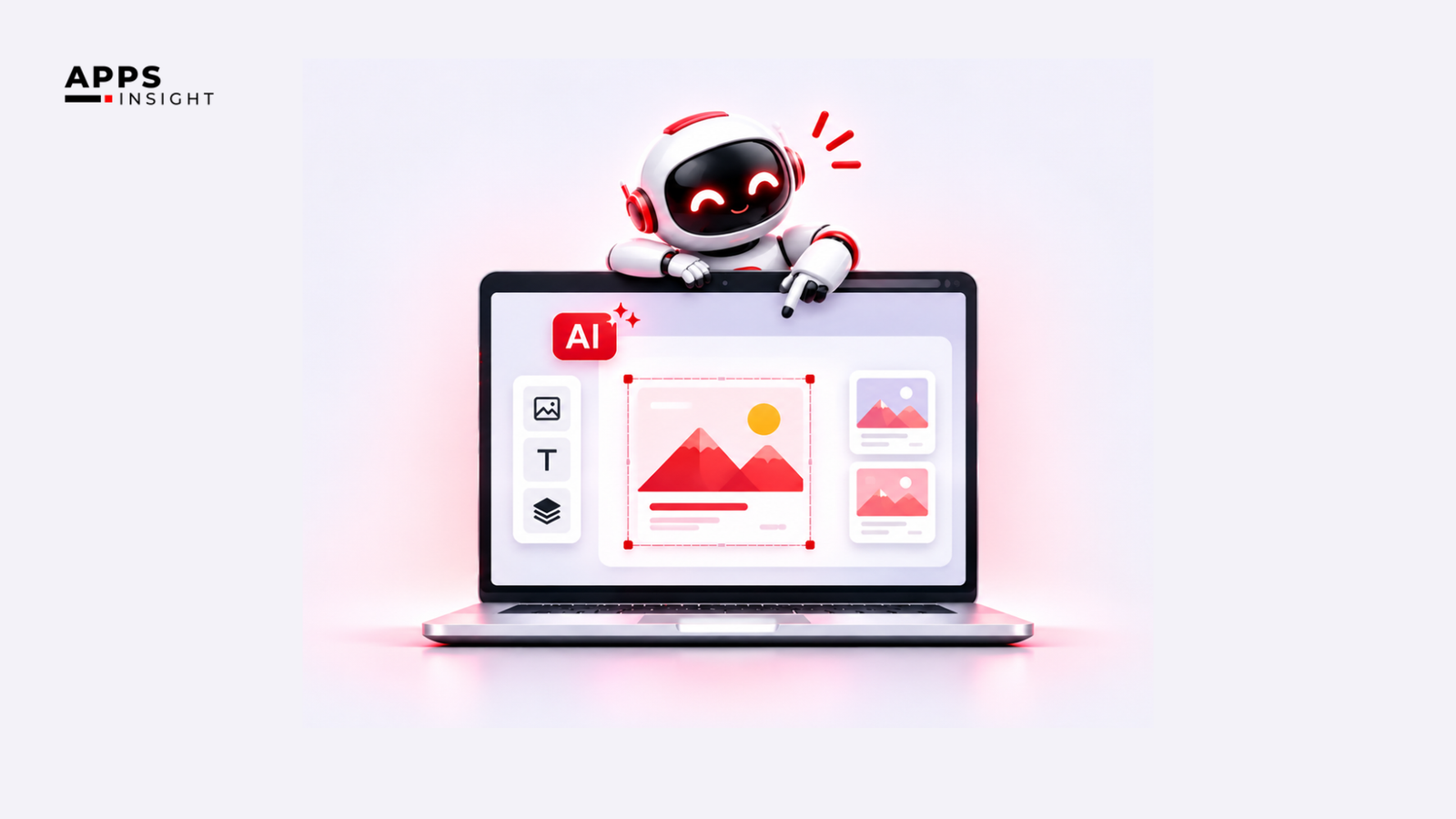
Creating marketing graphics for social media, paid advertising, websites, and campaigns can take time, especially when businesses need fresh visuals regularly. AI tools are making this process easier by helping marketers generate images, explore creative ideas, build layouts, and edit designs without starting every project from scratch.
To create marketing graphics using AI tools in 2027, choose a tool based on your design goal, provide a clear prompt or brief, generate a visual draft, refine the layout and branding, and export the final graphic in the required format.
Tools such as Canva, Adobe Firefly, Microsoft Designer, Ideogram, and ChatGPT can help businesses create promotional banners, social media posts, product visuals, advertisements, and campaign creatives.
For example, a startup launching a new mobile app can use AI to create launch announcements, feature graphics, promotional images, and social media creatives. Instead of designing each asset individually, the marketing team can generate initial concepts, edit them, and adapt the same campaign idea to multiple platforms.
AI is becoming a regular part of marketing workflows, not just an experimental technology. Canva’s 2026 marketing report states that 97% of marketing leaders use AI in their daily creative work, while 99% plan to increase AI investment in 2026. This suggests that businesses are increasingly incorporating AI into content production and creative planning.
However, AI does not automatically produce marketing-ready graphics. Brand colors, typography, message clarity, image accuracy, audience relevance, and design quality still need human review. Understanding how to use these tools correctly can help businesses create more useful visuals while avoiding generic or inconsistent designs.
This guide covers the top five AI tools for marketing graphics in 2027, their best use cases, a practical design workflow, and tips for creating visuals that support business goals.
Quick Answers:
Can AI create marketing graphics without design skills?
AI tools can generate image concepts, suggest layouts, provide templates, and help users create promotional designs without advanced graphic design knowledge.
Which AI tool is best for marketing graphics?
Canva is a strong all-round option for editable social media designs and marketing templates. Adobe Firefly is better suited to creative asset generation and professional editing workflows.
Can AI create social media posts and advertisements?
AI tools can help create Instagram posts, Facebook ads, LinkedIn graphics, banners, product promotions, and other campaign assets.
Are AI-generated graphics ready to publish?
Not always. Text, logos, product details, visual consistency, image quality, and licensing considerations should be reviewed before publishing.
Are AI marketing design tools free?
Several tools offer free access or limited AI credits. Advanced features, higher usage limits, brand tools, and premium assets may require paid subscriptions.
Listed here! AI Flyer Generator Tools
Overview: How AI Tools Are Changing Marketing Graphic Design
AI graphic design tools use machine learning and generative AI to create, edit, or improve visual content based on text instructions, uploaded images, templates, or existing design elements.
Instead of manually creating every visual element, marketers can describe what they want, generate variations, and refine the results. These tools can assist with background creation, image editing, concept generation, layout suggestions, resizing, and visual experimentation.
The growing use of AI in creative work is supported by industry research. Adobe’s 2026 Creators’ Toolkit Report found that 87% of creators using creative AI said it had accelerated the growth of their business or audience, while 75% described AI as integrated or essential to their workflow.
AI can be particularly useful for businesses that need multiple versions of a campaign. A marketing team can explore different backgrounds, visual styles, product placements, and messaging concepts before selecting the design that best fits the target audience.
The important distinction is that AI-generated imagery and finished graphic design are not the same thing. Generating an image is only one part of the process. A marketing graphic also needs a clear hierarchy, readable text, consistent branding, a relevant call to action, and the right dimensions for its intended channel.
Top 5 AI Tools for Creating Marketing Graphics in 2027
The best tool depends on what you want to create. Some platforms are designed for ready-to-edit marketing layouts, while others are better at generating original images, typography, or creative concepts.
The following five tools are useful starting points for businesses, marketers, and creators. These recommendations are based on their capabilities and use cases, not a standardized performance test. As tools and pricing change, check current availability and plan limits before choosing.
1. Canva AI: Best for All-in-One Marketing Design
(Best for: Social posts, ads, branded templates, presentations, promotional graphics)

Canva AI is a practical choice for marketing teams that need to create multiple types of visual content without managing a complicated design workflow. It combines templates, editing tools, AI-assisted content generation, and collaboration features in one platform.
Users can create promotional graphics, social media posts, presentations, ads, and marketing banners using templates or AI-assisted design workflows.
What you can do with Canva AI:
- Generate visual ideas from text prompts.
- Create social media posts and promotional layouts.
- Remove or edit backgrounds.
- Apply brand colors, logos, and fonts.
- Resize designs for different platforms.
- Create multiple variations of the same campaign.
- Collaborate with team members.
Example use case: A startup announcing a new SaaS product can create a LinkedIn launch graphic, Instagram announcement, website banner, and promotional ad using the same campaign style.
Canva is particularly useful when the team needs editable layouts rather than just generated images.
Best suited for: Small businesses, founders, social media managers, marketers, and teams that regularly produce campaign graphics.
Website: Canva
2. Adobe Firefly: Best for Professional Creative Assets
(Best for: Product visuals, campaign backgrounds, image editing, creative assets)
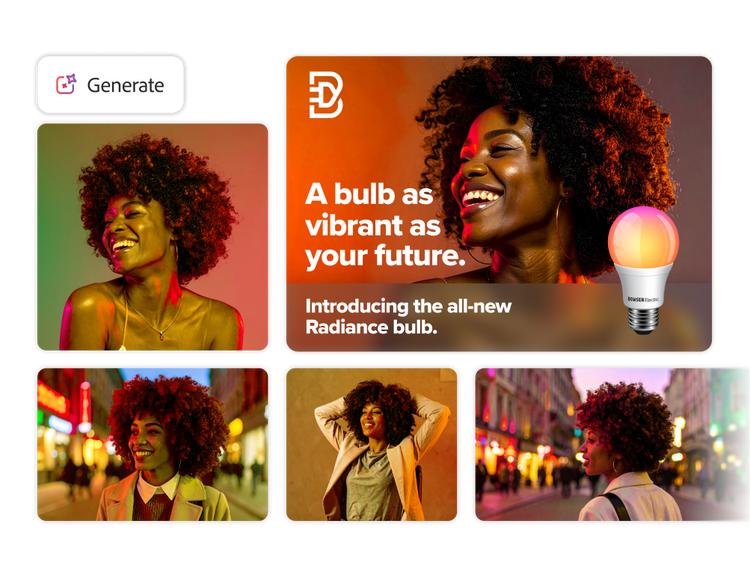
Adobe Firefly is useful when marketers need more control over image generation and creative editing. It can help generate campaign backgrounds, product concepts, image variations, and visual assets that can be refined further in Adobe’s creative applications.
Instead of relying only on templates, users can describe the image they want and generate a visual based on the prompt. They can also use AI editing features to modify specific parts of an image.
Key capabilities include:
- Text-to-image generation.
- Generative image editing.
- Background expansion and replacement.
- Object removal and modification.
- Creative asset generation.
- Integration with Adobe’s broader creative ecosystem.
Example use case: A clothing brand planning a seasonal campaign can generate different studio backgrounds, lifestyle environments, and visual concepts before finalizing its product advertisements.
Firefly is helpful for teams that already use Photoshop, Illustrator, or other Adobe tools because generated assets can become part of a broader production workflow.
Best suited for: Professional marketers, creative teams, agencies, and businesses that require detailed image editing.
Website: Adobe Firefly
3. Microsoft Designer: Best for Quick Promotional Graphics
(Best for: Social media content, simple promotional graphics, image generation)

Microsoft Designer is designed to help users create visual content with AI assistance. It is useful for generating graphics, exploring layouts, and creating promotional designs when users want a straightforward workflow.
The tool can help users turn a text description into a visual concept and refine it for different creative purposes.
What makes it useful:
- AI-assisted graphic creation.
- Image generation from text prompts.
- Design suggestions.
- Promotional and social content creation.
- Image editing capabilities.
- Simple workflow for non-designers.
Example use case: A local restaurant promoting a weekend offer can use a prompt describing a food-themed campaign, generate a concept, and refine the design by adding its logo, offer details, and contact information.
Microsoft Designer can be a useful starting point for quick visuals, although businesses should check current feature access, export options, and availability before adopting it for a recurring production workflow.
Best suited for: Small business owners, beginners, and marketers creating simple promotional assets.
Website: Microsoft Designer
4. Ideogram: Best for Text-Heavy Marketing Graphics
(Best for: Posters, campaign headlines, typography-focused visuals, creative concepts)

Ideogram is worth considering when the visual needs to contain prominent text, such as a poster headline, promotional phrase, event title, or campaign message.
AI image generators can sometimes struggle to produce accurate lettering within images. Ideogram focuses on image generation where text and visual composition are important, making it useful for exploring typography-based designs.
Key capabilities:
- Text-to-image generation.
- Typography-focused visual concepts.
- Poster and promotional graphic creation.
- Style exploration.
- Image editing and refinement, depending on current feature access.
Example use case: A fitness studio promoting a new membership plan could generate poster concepts with a bold headline, energetic background, and gym-related imagery. The final text and pricing should still be checked carefully before publication.
Ideogram is useful for visual exploration, but for important business information such as prices, dates, disclaimers, and contact details, it is safer to add or correct text in a design editor.
Best suited for: Marketers creating posters, campaign headlines, event graphics, and typography-led creative assets.
Website: Ideogram
5. ChatGPT Images: Best for Custom Concepts and Creative Direction
(Best for: Campaign ideas, creative briefs, image generation, image refinement)

ChatGPT is useful when a marketer wants to move from an idea to a visual concept through conversation. Instead of relying on a single prompt, users can describe a campaign, request variations, upload reference images where supported, and refine the output through follow-up instructions.
This makes it useful for people who are unsure how to describe their design requirements at the beginning.
What you can use it for:
- Brainstorming campaign concepts.
- Generating custom marketing images.
- Creating creative directions for ads.
- Exploring visual styles.
- Refining images through follow-up prompts.
- Developing ideas for different audience segments.
Example use case: A fintech founder preparing an awareness campaign can ask for a clean, modern visual explaining digital payments, then refine the composition, color palette, background, and overall tone based on the intended audience.
ChatGPT can also help write the design brief and prompt itself, making it useful for marketers who need both creative planning and visual generation in the same workflow.
Best suited for: Founders, marketers, content teams, and people who need custom visuals or help turning a rough idea into a clear design direction.
Website: ChatGPT
How to Create Marketing Graphics Using AI Tools Step by Step
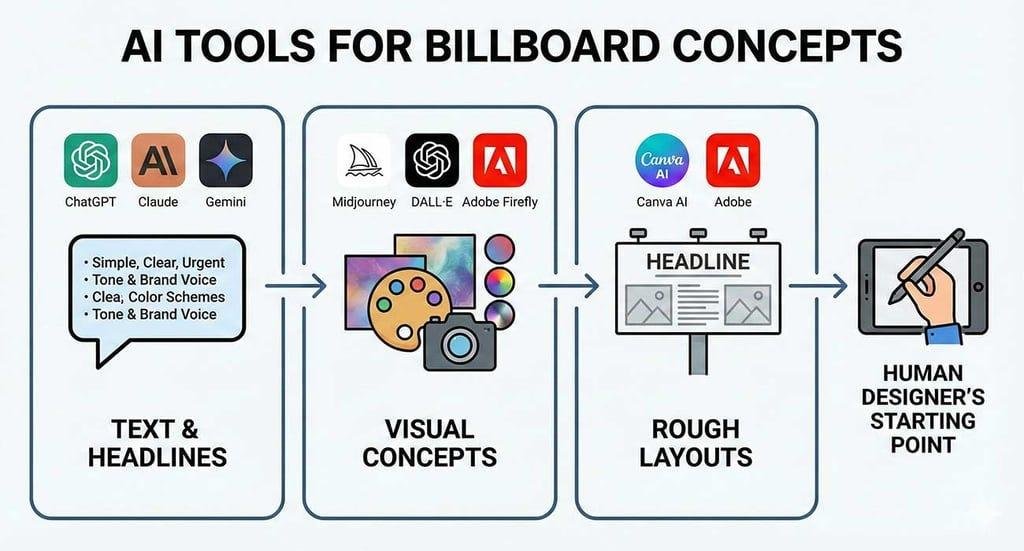
Choosing an AI tool is only the first step. To create graphics that actually support your marketing goals, you need a clear brief, the right visual direction, and a review process. Following a consistent workflow also helps you create campaign variations without losing brand identity.



Step 1: Define the Purpose of Your Graphic
Before opening a design tool, decide what the graphic needs to achieve. Are you promoting a product, announcing a new service, generating leads, sharing educational content, or increasing engagement?
A graphic designed to generate sales may need a product image, offer, and call to action. An educational post may need a simple illustration and a clear headline.
For example, if you are promoting a mobile app, your brief might be:
- Goal: Generate app downloads.
- Audience: Small business owners.
- Platform: Instagram and LinkedIn.
- Message: Simplify daily business operations.
- Visual style: Clean, modern, minimal.
- Call to action: Download the app.
A clear objective helps AI produce more relevant results.
Step 2: Write a Specific AI Prompt
The quality of an AI-generated design often depends on the information you provide. A short, vague prompt may produce a generic image, while a detailed prompt gives the tool better creative direction.
Include the following elements in your prompt:
- Subject of the graphic.
- Target audience.
- Visual style.
- Background and composition.
- Color palette.
- Image dimensions or aspect ratio.
- Mood and tone.
- Space for text or branding.
Example prompt:
Example AI prompt: Create a modern social media promotional graphic for a SaaS business management app targeting startup founders. Use a minimal dark navy background, subtle blue gradients, clean abstract dashboard elements, and a professional technology-inspired style. Keep the composition balanced and leave clear space on the left for a headline and call to action. Use a square 1:1 format. Avoid clutter and unnecessary decorative elements.
This prompt provides more useful direction than simply asking for “a marketing graphic for a software company.”
Step 3: Generate Multiple Design Variations
Do not select the first image automatically. Generate multiple versions with different compositions, colors, backgrounds, or visual styles.
For example, you can test:
- A minimal product-focused layout.
- A bold promotional design.
- A lifestyle-based visual.
- A high-contrast advertisement.
- An illustration-based concept.
This gives the marketing team more options to compare. The goal is to select a graphic that matches the message and audience, not simply one that looks attractive.
Step 4: Add Branding and Marketing Copy
AI-generated graphics may not always contain accurate logos, brand names, product information, or promotional text.
Add these elements manually wherever possible:
- Business logo.
- Brand colors.
- Correct font styles.
- Headline.
- Supporting text.
- CTA button or message.
- Product details.
- Website or contact information, if required.
Keep the headline short and easy to understand. If the graphic is intended for mobile users, avoid placing too much text in a small area.
Step 5: Resize and Adapt for Different Platforms
One campaign may require multiple design formats.
Instagram post (Square format · 1:1)

Story or Reel cover (Vertical format · 9:16)

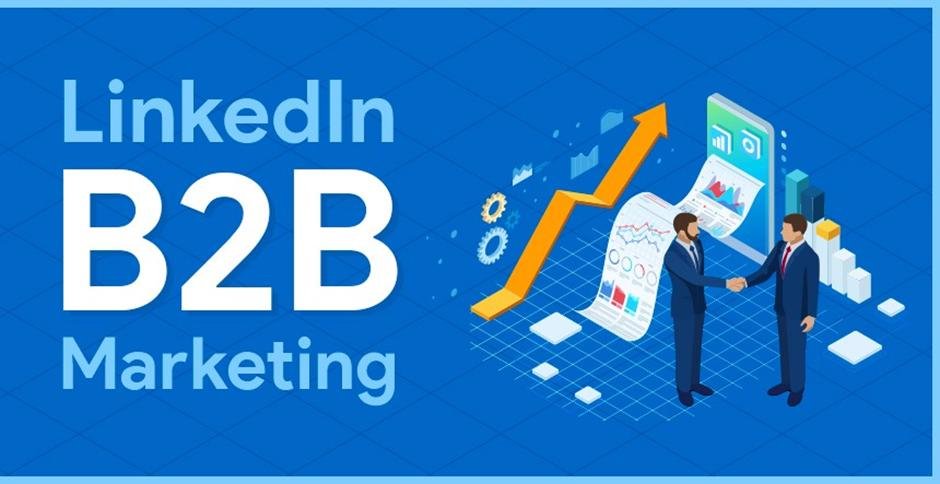
LinkedIn graphic (Landscape format · 16:9)
Website banner (Wide layout · Website-specific)
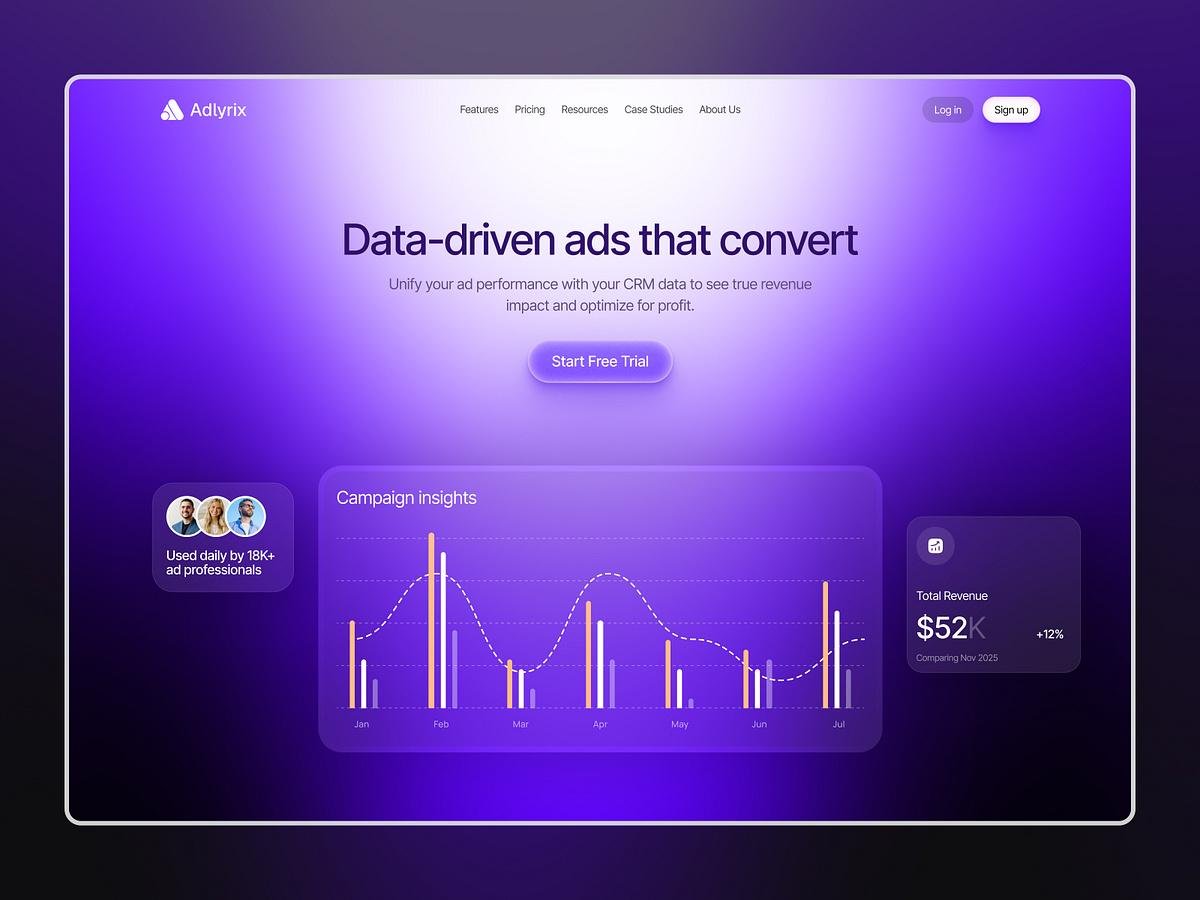
Use the resizing tools available in your design platform, but review each version afterward. Simply cropping a square graphic into a vertical story may cut off the headline, CTA, or important visual elements.
Step 6: Review and Export the Final Graphic
Before publishing, check the design carefully.
- Is the message clear within a few seconds?
- Is the text readable on mobile screens?
- Are the brand colors and fonts consistent?
- Does the image accurately represent the product?
- Are there any AI-generated visual errors?
- Is the CTA easy to notice?
- Does the design fit the platform’s dimensions?
- Are you permitted to use the image commercially under the tool’s current terms?
Export the design in the correct format. PNG is useful for graphics with sharp text and transparency, JPG is commonly used for photographs and smaller web files, and SVG is appropriate for vector assets when the tool supports a usable export.
Looking for? AI Presentation Maker
Tips for Creating Better AI Marketing Graphics
AI can generate several design options quickly, but the quality of the final result depends on how you guide, select, and refine them. These practices can help make AI-assisted graphics more useful for actual campaigns.

- Use a consistent brand identity. Keep your logo, color palette, typography, image style, and messaging consistent across campaigns. Use brand kits or saved references when the platform supports them.
- Keep designs focused on one message. Avoid placing too many headlines, offers, illustrations, and decorative elements in a single graphic. A visual should communicate one primary idea.
- Choose visuals based on your audience. A B2B software advertisement may need a clean product-oriented visual, while a consumer campaign may benefit from lifestyle imagery and more expressive colors.
- Do not rely on AI for critical text accuracy. Add prices, product specifications, dates, legal statements, and contact details manually and review them before publishing.
- Create variations for testing. Change one design element at a time, such as the headline, background, CTA, or image style. This makes it easier to compare creative performance.
- Use human review before publication. AI may create distorted objects, inaccurate product details, inconsistent logos, or visual elements that do not fit the intended audience.
These practices are especially useful when teams use AI tools to produce recurring content for multiple channels and campaigns.
Benefits and Limitations of AI Graphic Design Tools
AI design tools can improve the creative workflow, but their value depends on how businesses use them. They can help teams reduce repetitive work, explore ideas, and prepare visual content. However, they still require human judgment for quality, accuracy, and brand communication.
Benefits of using AI for marketing graphics
- Faster creative production: Generate initial concepts and visual drafts without building everything manually.
- More design variations: Experiment with different styles, layouts, colors, and campaign concepts.
- Lower entry barrier: People without advanced design experience can create basic marketing visuals.
- Flexible content creation: Adapt graphics for different platforms, audiences, and campaigns.
- Support for smaller teams: Businesses can create more visual content even when they have limited design resources.
These benefits are reflected in Canva’s published AI research. Its report states that 69% of surveyed respondents saved 2–3 hours per week using generative AI tools, while 36% reported saving 4–5 hours weekly.
Limitations to consider
- AI may produce inaccurate text, logos, or product details.
- Some images can look generic or inconsistent with the brand.
- AI-generated layouts may need significant manual editing.
- Commercial usage rights and licensing terms vary between tools.
- Visual quality alone does not guarantee campaign performance.
AI can reduce the time spent on the first draft, but it does not replace creative direction, audience research, or final quality checks.
Sum up
Marketing teams no longer need to create every visual asset manually. AI tools can help generate concepts, edit images, prepare promotional graphics, and create variations for different marketing channels.
When you Create Marketing Graphics Using AI Tools, the most important step is to choose the right platform for the task. Canva is useful for editable marketing layouts, Adobe Firefly for professional image creation, Microsoft Designer for quick promotional visuals, Ideogram for typography-based graphics, and ChatGPT for custom concepts and conversational image refinement.
For founders and business owners, the practical approach is to begin with one campaign, test a few creative directions, refine the selected design, and evaluate its performance after publishing.
AI should support the creative process rather than make every design decision. Clear messaging, audience understanding, brand consistency, and human review remain important in producing marketing graphics that people can understand and act on.
Businesses exploring AI tools for marketing, design workflows, and digital productivity can also explore AppsInsight for more related technology and business insights.
Frequently Asked Questions
What is the best AI tool for creating marketing graphics?
Canva is a good all-round option for social media graphics, campaign designs, promotional banners, and editable marketing templates. Adobe Firefly is useful for generating and refining professional creative assets.
Can AI create marketing graphics from text prompts?
Yes. Most AI image generation tools allow users to describe a subject, visual style, background, composition, and mood. The AI uses these instructions to generate a visual concept that can be refined further.
Are AI-generated marketing graphics suitable for businesses?
Yes, provided the graphics are reviewed for brand consistency, accuracy, licensing, and suitability for the intended audience. AI-generated content can be used for many business marketing activities, depending on the tool’s terms.
How do I create graphics for Instagram and LinkedIn using AI?
Start with a campaign message and audience, generate a visual concept, add your branding and copy, and resize the design for the intended platform. Review the layout and text before publishing.
Can AI replace graphic designers?
AI can automate some repetitive tasks and help generate creative concepts, but it does not fully replace design expertise. Designers still play an important role in art direction, visual hierarchy, brand identity, storytelling, and quality control.
Which AI tools are best for social media graphics?
Canva, Microsoft Designer, and ChatGPT are useful options for creating social content. The right choice depends on whether you need ready-made layouts, quick promotional designs, or custom-generated imagery.
Are AI marketing graphics free to create?
Some tools offer free plans or limited generation credits. More advanced features, commercial assets, higher usage limits, and brand-management capabilities may require paid subscriptions.