

Best Social Media Scheduler

Sprout Social

AI-powered social intelligence for teams that manage publishing, engagement, and analytics.
Paid Subscription$19930-day trial
- Web app
- iOS (iPhone & iPad)
- Android
- macOS

Strips metadata and applies micro-edits so your TikTok reposts register as fresh uploads.
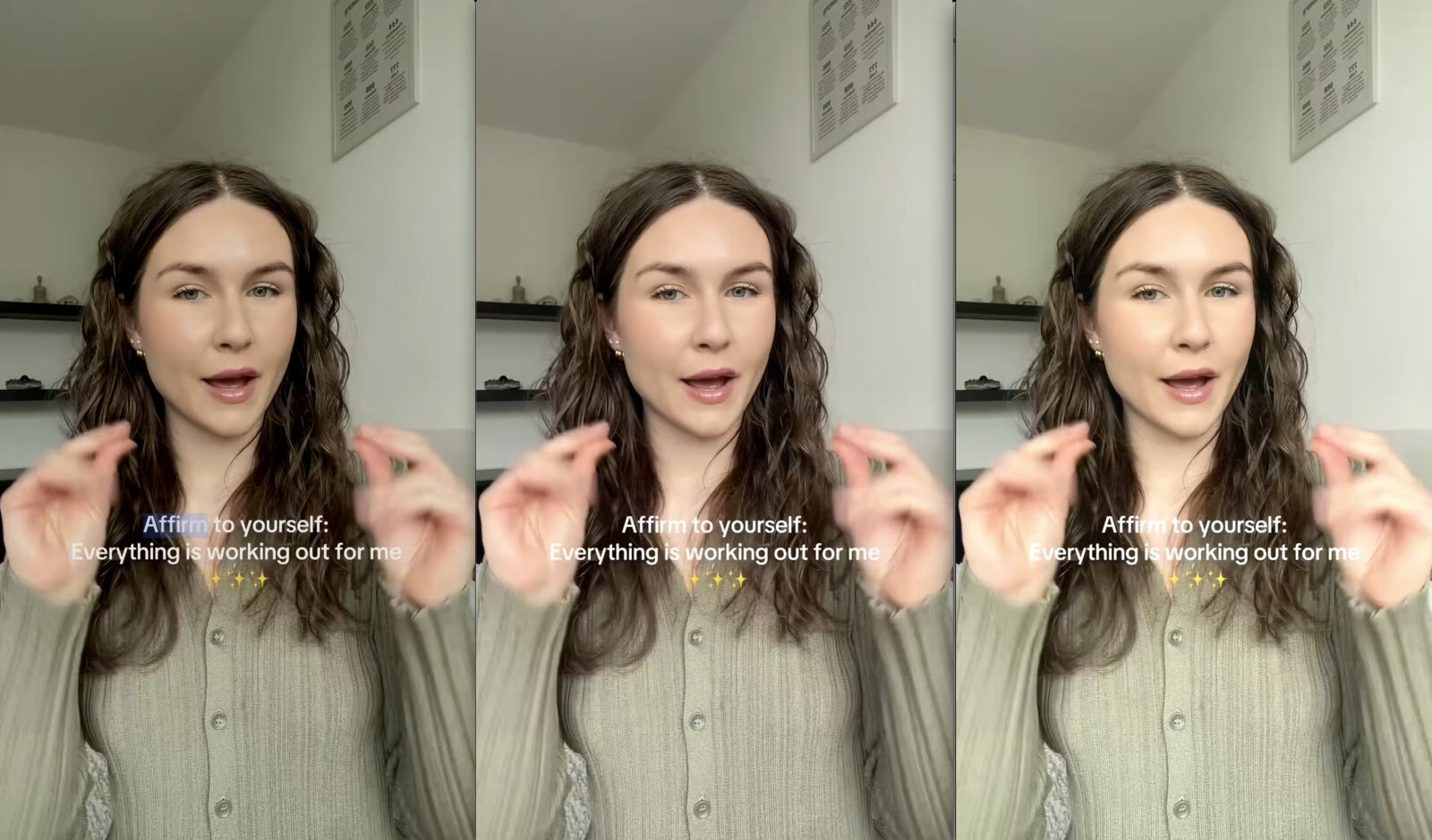
Strips metadata and applies micro-edits so your TikTok reposts register as fresh uploads. RinseTok is a single-purpose web tool for TikTok creators who want to repost their own videos without triggering the platform’s duplicate-content detection.
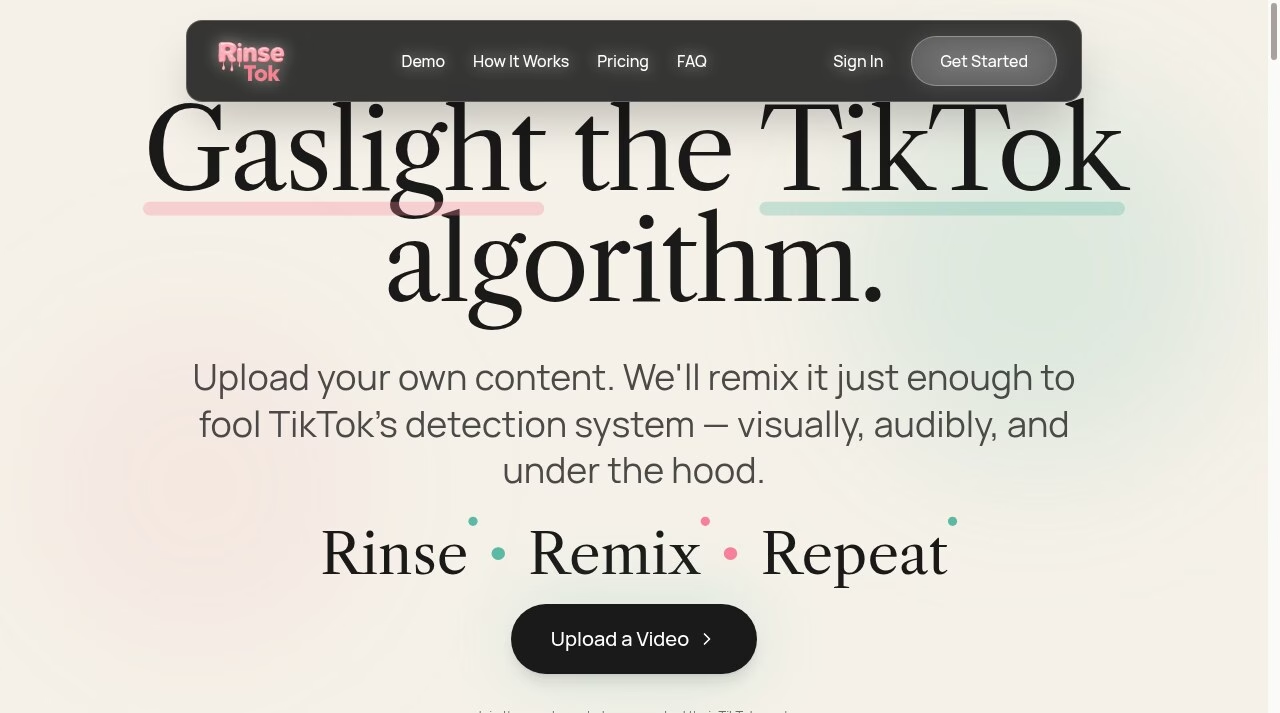
RinseTok earns a look if reposting your own TikTok catalog is already part of your workflow. It turns a manual edit-reexport-guess routine into a two-minute paste-and-submit step, keeps burned-in captions intact, and its batch remix and campaign views suit creators running several accounts. The 3 free credits make it cheap to test on a real video before paying.
RinseTok is a single-purpose web tool for TikTok creators who want to repost their own videos without triggering the platform’s duplicate-content detection. You paste a TikTok URL or upload a file, and RinseTok “rinses” it (stripping every metadata tag, timestamp, and encoder field via ExifTool) and then “remixes” it with micro-edits: small shifts in brightness, contrast, saturation, playback speed (±1-5%), volume, and zoom. The company says these changes alter the file fingerprint that TikTok’s repost filters look for while staying invisible to viewers.
The workflow is deliberately simple. Pasting a TikTok link pulls the native MP4 directly, so there is no manual download or conversion step. RinseTok re-encodes in H.264 at CRF 23 and says it preserves the original resolution, frame rate, and audio fidelity; burned-in captions and text overlays are left untouched. Processing typically takes under two minutes per the vendor, and a randomize option varies the six edit
RinseTok is a single-purpose web tool for TikTok creators who want to repost their own videos without triggering the platform’s duplicate-content detection. You paste a TikTok URL or upload a file, and RinseTok “rinses” it (stripping every metadata tag, timestamp, and encoder field via ExifTool) and then “remixes” it with micro-edits: small shifts in brightness, contrast, saturation, playback speed (±1-5%), volume, and zoom. The company says these changes alter the file fingerprint that TikTok’s repost filters look for while staying invisible to viewers.
The workflow is deliberately simple. Pasting a TikTok link pulls the native MP4 directly, so there is no manual download or conversion step. RinseTok re-encodes in H.264 at CRF 23 and says it preserves the original resolution, frame rate, and audio fidelity; burned-in captions and text overlays are left untouched. Processing typically takes under two minutes per the vendor, and a randomize option varies the six edit parameters, which the site calculates gives roughly 700,000 unique output combinations per source video.
Paid plans add batch remixing and a campaign management view for running multiple reposts. Pricing is credit-based: 3 free credits to start, Pro at $25/month for 100 credits, Business at $100/month for 1,000 credits with priority support, and a custom Enterprise tier with a dedicated account manager.
Two caveats buyers should weigh. First, RinseTok does one thing: it is not a scheduler, publisher, or analytics tool, so it slots alongside a social media management stack rather than replacing one. Second, its core promise – that remixed videos are “undetectable” to TikTok and that the process keeps you in compliance with TikTok’s terms – is the vendor’s own claim, which we could not independently verify, and TikTok’s enforcement policies can change at any time. Teams should treat that risk as theirs to carry.
Desk review of RinseTok's live site, pricing page, and FAQ and its Product Hunt listing, checked September 28, 2026. We inspected the public demo flow and vendor documentation but did not create an account, run a remix, or test reposting on TikTok. Vendor claims about duplicate-detection evasion and TikTok ToS compliance are unverified. The editor rating is a provisional assessment of documented functionality, not a hands-on performance score.
| Pricing | Free+Paid |
|---|---|
| Starting price | $25 |
| Free plan | Yes |
| Free trial | No |
| Pricing page | View pricing |
| Platforms | Web app |
| API | No |
| Company | RinseTok |
| Apps Insight Score | 39/100 |
| Implementation | Easy |
| Learning curve | Beginner |
Editorial points are assigned by AppsInsight editors and cannot be purchased or influenced.
| Feature | RinseTok | Sprout Social | ContentStudio | Metricool |
|---|---|---|---|---|
| Rating | 3.0 / 5 | 5.0 / 5 | 5.0 / 5 | 5.0 / 5 |
| Pricing | Free+Paid | Paid Subscription | Paid Subscription | Free plan |
| Starting price | $25 | $199 | $ 19 | Free |
| Free plan | Included | Included | Included | Included |
| Free trial | No | Yes (30 days) | No | No |
| Platforms | Web app | Web app, iOS (iPhone & iPad), Android, macOS, Windows | Web app, iOS (iPhone & iPad), Android | Web app, iOS (iPhone & iPad), Android |
| Best for | TikTok creators repurposing their own videos across accounts, social media managers re-testing hooks and formats on proven content, and small teams that want batch remixing without an editor. | Social media teams, marketing teams, SaaS and tech companies, enterprise social media managers, influencer marketing teams, customer care teams | Agencies, marketing teams, solo creators, multi-brand social media managers, teams that need client approvals, businesses automating content workflows | Marketing agencies, social media managers, SMB marketing teams, solo creators, multi-brand operators |
RinseTok vs Sprout Social RinseTok vs ContentStudio RinseTok vs Metricool
$0 /mo
$25/mo /mo
$100/mo /mo
Custom /mo
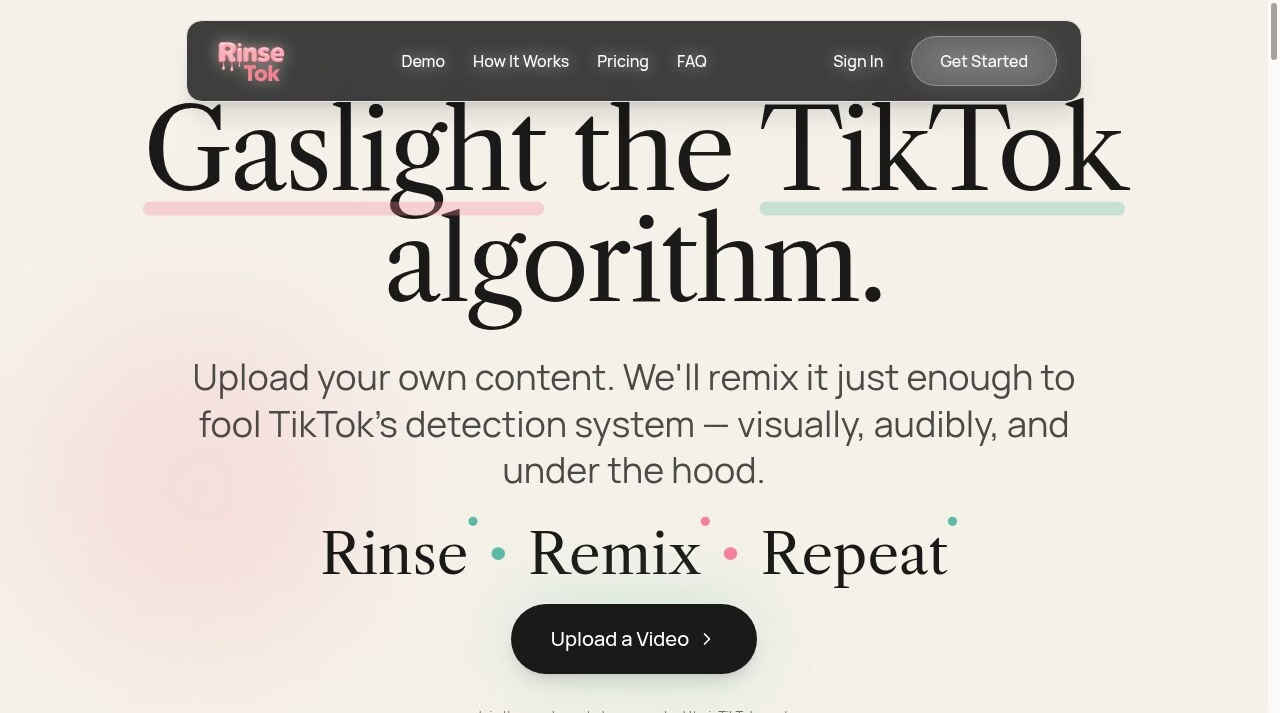

AI-powered social intelligence for teams that manage publishing, engagement, and analytics.

AI social media management for agencies and teams

Plan, publish, analyze, and reply from one social media dashboard.

Unified API + MCP to post, schedule, reply, and track analytics across 9+ social platforms.
AI social listening that tracks mentions across social media, news, blogs, videos, forums, podcasts and reviews…

Social media scheduling, analytics and influencer marketing - plan and auto-publish across 8 networks with AI…

AI that plans, creates, schedules, and tracks your small business social media.

AI automated comments on LinkedIn and X to grow audience and profile visibility.


Track keywords and conversations across social networks with real-time alerts
No reviews yet. Be the first to review this app.
Already have an account? Log in to track your reviews.