

Best Social Media Scheduler

Sprout Social

AI-powered social intelligence for teams that manage publishing, engagement, and analytics.
Paid Subscription$19930-day trial
- Web app
- iOS (iPhone & iPad)
- Android
- macOS

Create, write and schedule posts across social channels
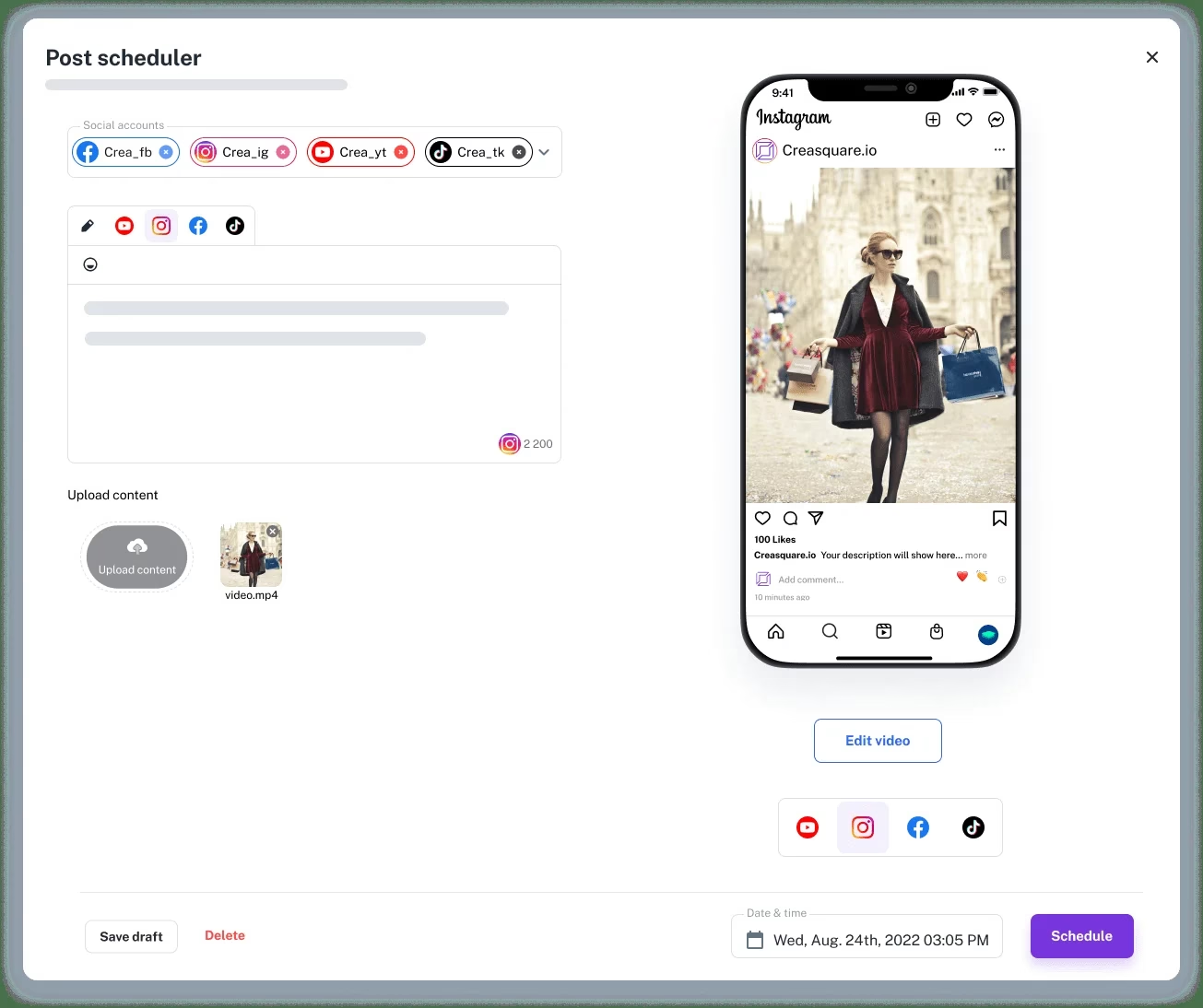
Create, write and schedule posts across social channels Creasquare combines a social post designer, AI caption writer and publishing calendar.
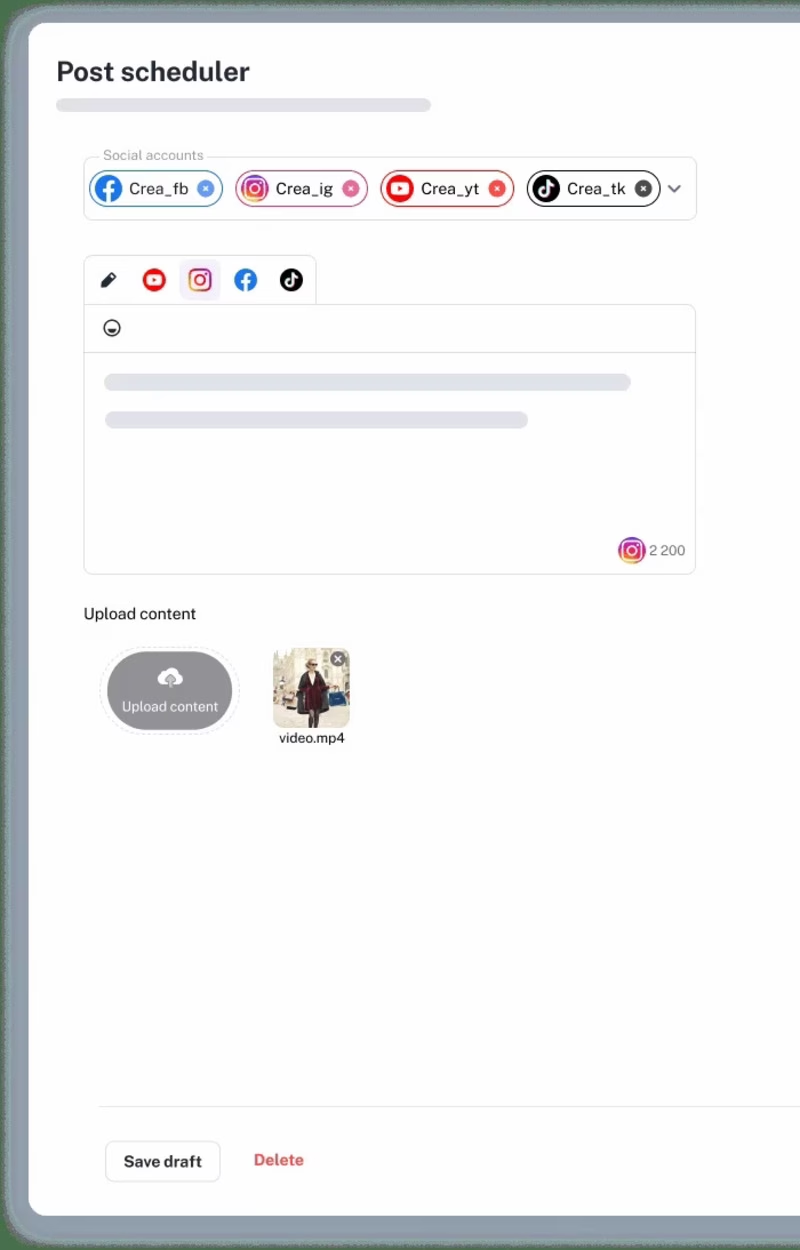
Creasquare puts visual creation, AI-assisted captions and a multi-account calendar together. It is a practical fit for small teams that need to produce and queue image or video posts, but its own pricing page still marks analytics and X/Twitter support as coming soon. Verify those two features before adopting it for reporting-heavy work.
Creasquare combines a social post designer, AI caption writer and publishing calendar. Its Creative Studio offers templates, stock media, background removal, resizing and brand kits. The scheduler supports drafts, previews, first comments, Instagram and LinkedIn carousels, Instagram Reels and TikTok direct publishing. A shared calendar displays scheduled posts by week or month, with workspaces for collaborators on higher tiers.
The current pricing page lists connections to Facebook, Instagram, TikTok, LinkedIn and YouTube. It labels X/Twitter as coming soon, so users who rely on that channel should confirm its availability before switching. It also labels analytics as coming soon rather than a feature to count on today. A free account permits up to three social accounts, with limited Creative Studio access; paid Basic, Professional and Team plans increase account capacity to five, ten and twenty. The vendor advertises a 14-day trial of paid plans.
Creasquare fits teams that want to make
Creasquare combines a social post designer, AI caption writer and publishing calendar. Its Creative Studio offers templates, stock media, background removal, resizing and brand kits. The scheduler supports drafts, previews, first comments, Instagram and LinkedIn carousels, Instagram Reels and TikTok direct publishing. A shared calendar displays scheduled posts by week or month, with workspaces for collaborators on higher tiers.
The current pricing page lists connections to Facebook, Instagram, TikTok, LinkedIn and YouTube. It labels X/Twitter as coming soon, so users who rely on that channel should confirm its availability before switching. It also labels analytics as coming soon rather than a feature to count on today. A free account permits up to three social accounts, with limited Creative Studio access; paid Basic, Professional and Team plans increase account capacity to five, ten and twenty. The vendor advertises a 14-day trial of paid plans.
Creasquare fits teams that want to make visuals and copy in the same place they schedule posts. It is less suitable when detailed analytics or confirmed X publishing is a core requirement. This profile reflects the vendor’s public website and pricing page, not a hands-on account test.
Desk research only. We reviewed Creasquare's official website, feature pages and pricing comparison on September 29, 2026, plus its published support and legal links. We did not create an account or test publishing, AI output, reliability or support first-hand. The pricing page conflicts on the Professional plan's AI-word allowance (10,000 in its plan summary versus another figure in the comparison); confirm the allowance at checkout. The same page labels analytics and X/Twitter support as coming soon, so we have not treated those as live features. Product claims and plan details may change.
| Pricing | Free+Paid |
|---|---|
| Starting price | Free |
| Free plan | Yes |
| Free trial | No |
| Pricing page | View pricing |
| Platforms | Web app |
| API | No |
| Apps Insight Score | 38/100 |
Editorial points are assigned by AppsInsight editors and cannot be purchased or influenced.
| Feature | Creasquare | Sprout Social | ContentStudio | Metricool |
|---|---|---|---|---|
| Rating | 3.7 / 5 | 5.0 / 5 | 5.0 / 5 | 5.0 / 5 |
| Pricing | Free+Paid | Paid Subscription | Paid Subscription | Free plan |
| Starting price | Free | $199 | $ 19 | Free |
| Free plan | Included | Included | Included | Included |
| Free trial | No | Yes (30 days) | No | No |
| Platforms | Web app | Web app, iOS (iPhone & iPad), Android, macOS, Windows | Web app, iOS (iPhone & iPad), Android | Web app, iOS (iPhone & iPad), Android |
| Best for | Small businesses creating visual social posts, teams scheduling across Facebook and Instagram, creators wanting AI captions and a shared calendar | Social media teams, marketing teams, SaaS and tech companies, enterprise social media managers, influencer marketing teams, customer care teams | Agencies, marketing teams, solo creators, multi-brand social media managers, teams that need client approvals, businesses automating content workflows | Marketing agencies, social media managers, SMB marketing teams, solo creators, multi-brand operators |
Creasquare vs Sprout Social Creasquare vs ContentStudio Creasquare vs Metricool
$24.90 /mo
$17.40/month billed yearly billed annually
$49.90 /mo
$34.90/month billed yearly billed annually
$79.90 /mo
$55.90/month billed yearly billed annually

AI-powered social intelligence for teams that manage publishing, engagement, and analytics.

AI social media management for agencies and teams

Plan, publish, analyze, and reply from one social media dashboard.

Unified API + MCP to post, schedule, reply, and track analytics across 9+ social platforms.

AI social listening that tracks mentions across social media, news, blogs, videos, forums, podcasts and reviews…

Social media scheduling, analytics and influencer marketing - plan and auto-publish across 8 networks with AI…

Drag finished work into your MacBook notch, write one caption, and post everywhere

One AI teammate runs your social media, influencer campaigns and PR in any language and market

Schedule and publish to 11 social platforms from one dashboard

Every social platform, client workspace and AI agent in one operating system
No reviews yet. Be the first to review this app.
Already have an account? Log in to track your reviews.