


Note-taking is something almost everyone does, but the way people take notes can be very different. Some people simply jot down grocery lists or quick reminders, while others build detailed systems to organize ideas, knowledge, and daily tasks like a personal “second brain.”
For some users, notes are just plain text with headings and bullet points. Others prefer a more creative style filled with sketches, images, highlights, and visual elements. Since everyone has their own habits and preferences, there is no single note-taking method that works for all.
The good news is that there are many note-taking apps designed to match different styles and needs. Whether you like simple writing tools or advanced organization systems, you can find an app that fits the way you think, work, and capture information.
Now that we have covered the basics, let’s move forward and explore the 10 best AI note-taking tools in detail.
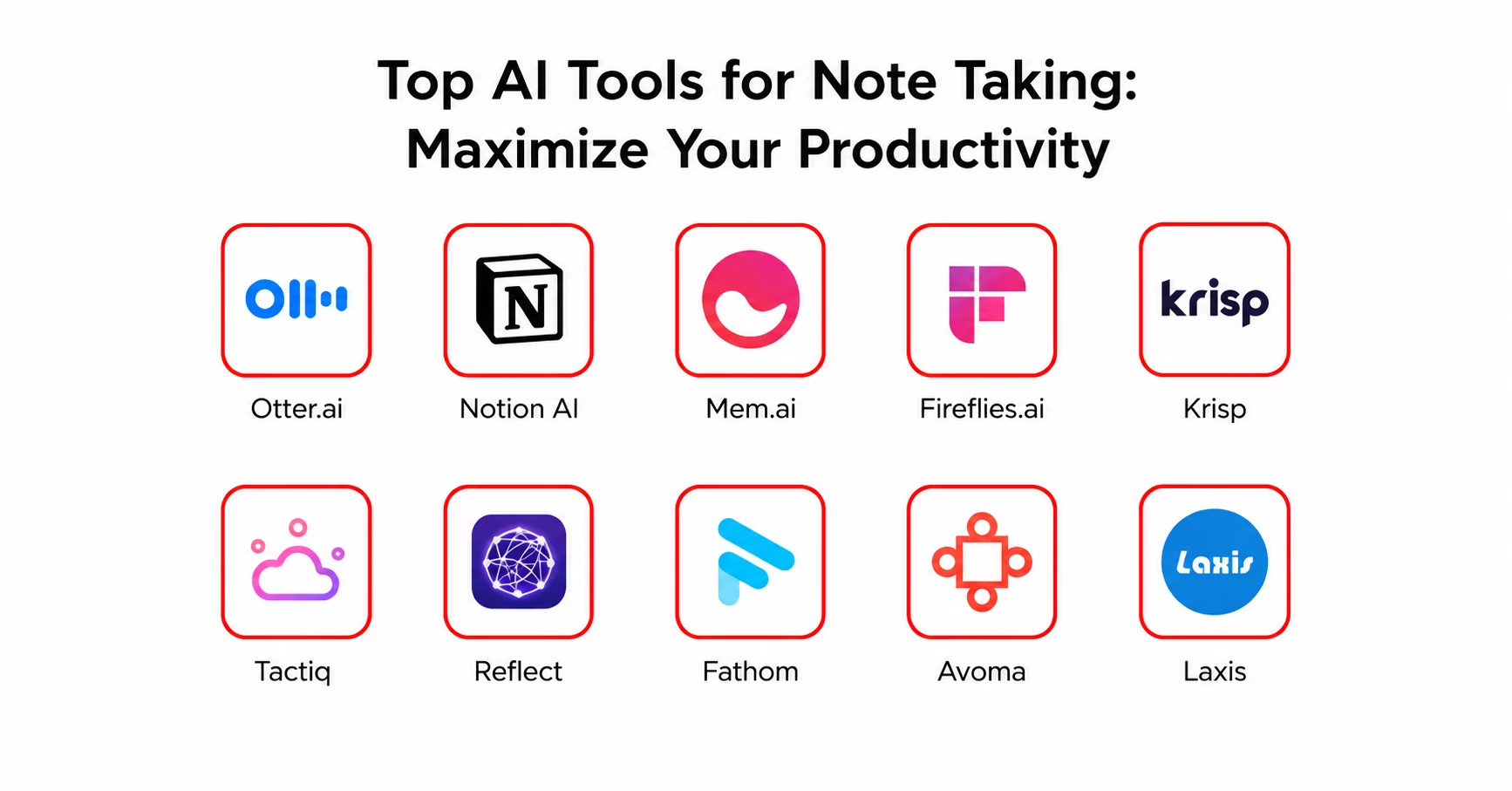
The best note-taking apps at a glance
Here’s a quick overview of the top 10 AI note-taking tools that help users record, organize, summarize, and manage notes more efficiently:
| S.No. | Tool Name | Key Features | Supported Platforms | Integration Support | Access |
|---|---|---|---|---|---|
| 1 | Otter.ai | AI transcription, speaker recognition | Web, iOS, Android | Easily connects with Google, Zoom, and Microsoft tools | Try Otter |
| 2 | Notion AI | AI-powered note management and workspace organization | Web, iOS, Android, Mac, Windows | Smooth integration with Google Workspace | Try Notion |
| 3 | Mem.ai | Smart note organization and AI chat assistance | Web, iOS, Android | Integrates with Slack and Google Calendar | Try Mem |
| 4 | Fireflies.ai | Automatic meeting transcription and team collaboration | Web, Chrome, Slack, Salesforce | Works well with Zoom and Microsoft Teams | Try Fireflies |
| 5 | Krisp | Noise cancellation and AI-generated meeting summaries | Mac, Windows, iOS | Supports integration with UCaaS and CCaaS platforms | Try Krisp |
| 6 | Tactiq | Live transcription and AI-generated highlights | Google Meet, Zoom | Connects easily with HubSpot and Slack | Try Tactiq |
| 7 | Reflect | AI summaries and personal knowledge management | iOS, Web | Integrates with Google Calendar | Try Reflect |
| 8 | Fathom | AI meeting assistant with automatic transcription | Zoom | Supports HubSpot and Slack integration | Try Fathom |
| 9 | Avoma | AI transcription and meeting action insights | Web, iOS | Integrates with Zoom and Salesforce | Try Avoma |
| 10 | Laxis | AI conversation insights and automated email follow-ups | Zoom, Google Meet, Webex | Easily connects with HubSpot and Salesforce | Try Laxis |
Top AI Tools for Note Taking: Maximize Your Productivity
Without wasting any more time, let’s dive into the list and understand how these tools can make note-taking smarter, faster, and more efficient.
1) Otter.ai
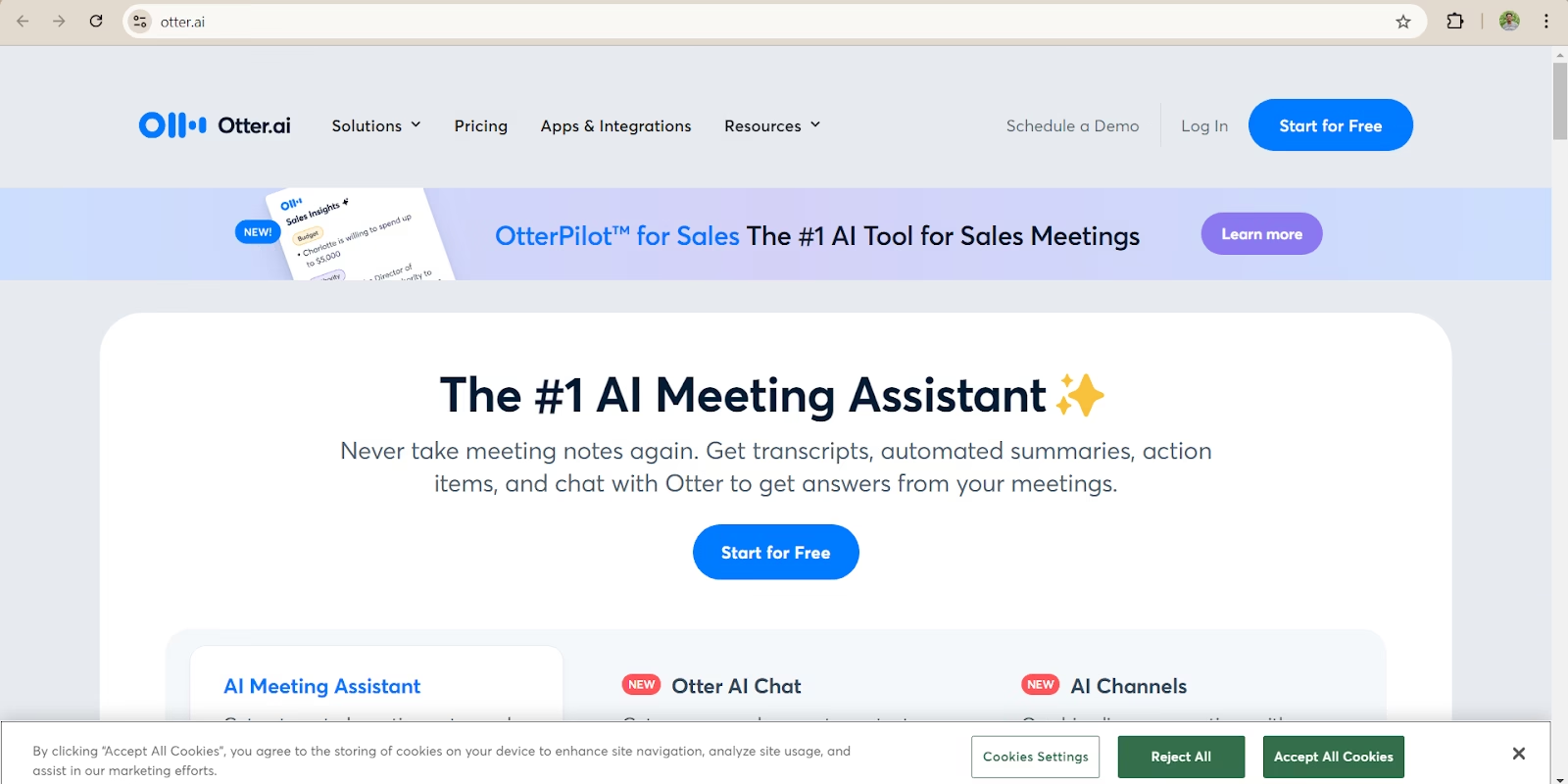
Otter.ai is one of the most popular AI-powered transcription tools, widely used for meetings, interviews, lectures, and team discussions. It helps users automatically convert conversations into text, making note-taking faster and more organized.
The platform is designed to help users stay focused during conversations instead of manually writing notes. Otter.ai records discussions in real time and creates searchable transcripts that are easy to review later.
Core Features
Real-Time Transcription: Otter.ai can automatically turn spoken words into text while the conversation is happening. This helps users capture important details instantly.
Speaker Identification: The tool can recognize different speakers in a conversation and label them separately, making transcripts easier to understand.
Keyword Search: Users can quickly search for specific words, phrases, or topics inside saved transcripts without reading the entire conversation again.
Easy Integrations: Otter.ai works smoothly with platforms like:
- Zoom
- Google Meet
- Microsoft Teams
It can automatically sync meetings and generate transcripts directly from these platforms.
Scalability: The platform is suitable for:
- Individual users
- Small teams
- Large businesses
It offers flexible pricing plans and works well across different devices and operating systems.
Performance and Accuracy: Otter.ai provides highly accurate transcriptions in most situations. However, it may face minor difficulties when:
- Speakers have strong or complex accents
- Background noise is too high
- Audio quality is poor
API and Custom Integrations: Although Otter.ai is not open-source, it offers APIs that allow businesses to connect it with other software and workflows.
Pricing
Free Plan
- ₹0/month
- Up to 600 minutes of transcription per month
Pro Plan
- ₹830/month
Business Plan
- ₹1660/month
Pros and Cons
Pros
- Accurate speaker recognition
- Real-time transcription
- Smooth integration with popular meeting platforms
- Easy-to-use interface
Cons
- Performance may drop with heavy background noise
- Sometimes struggles with complex accents
- Requires a stable internet connection for best results
2) Notion AI: Best Note-Taking website for Collaboration
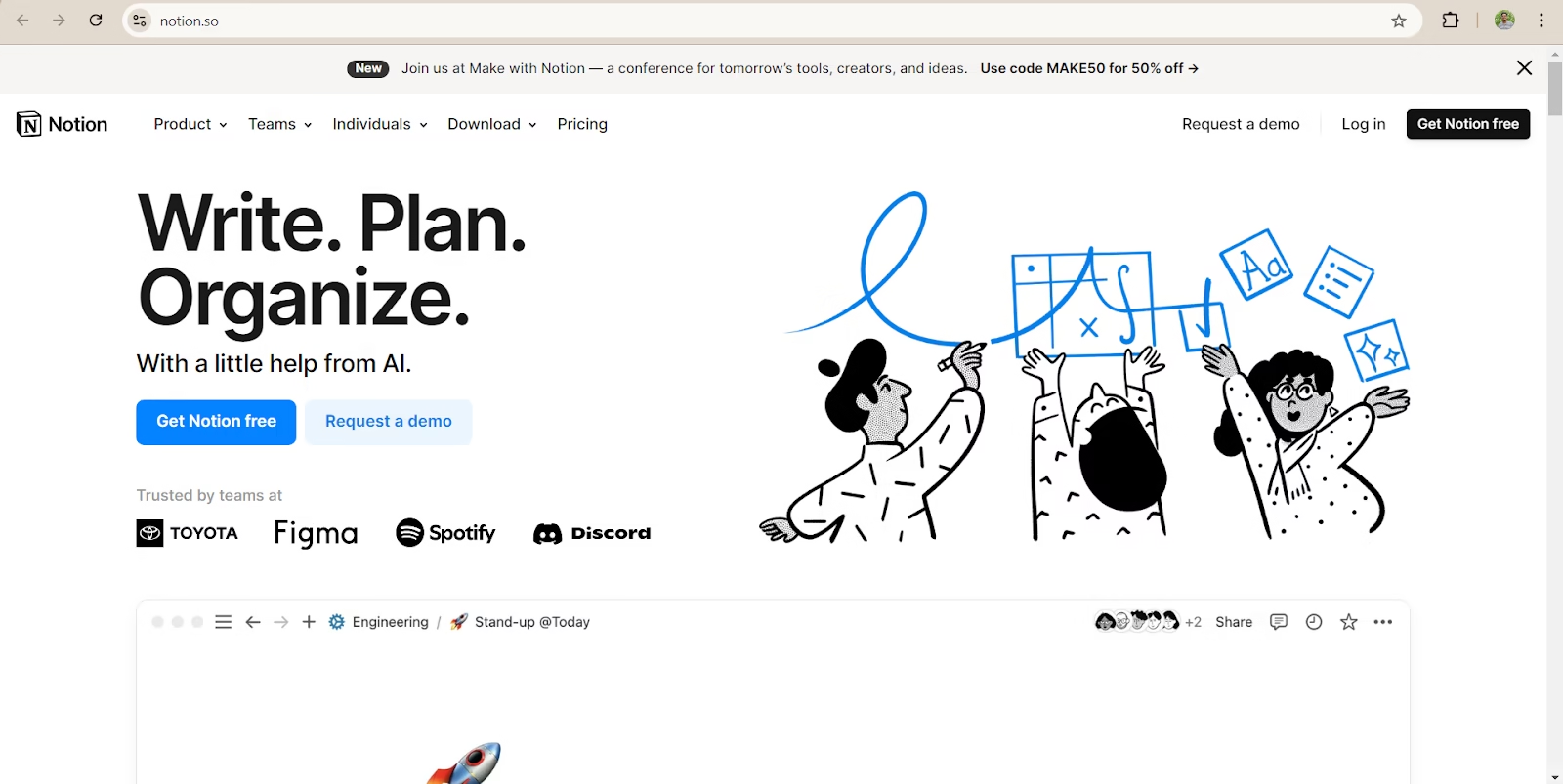
Notion AI combines note-taking, document organization, and project management into one platform, making it a powerful solution for individuals and teams that want to manage work more efficiently.
Core Features
AI-Powered Writing Assistant: Notion AI helps users create content faster by generating summaries, outlines, meeting notes, and other written material. This reduces manual effort and improves productivity.
Task and Project Management: The platform allows users to organize tasks using databases, kanban boards, calendars, and lists. Teams can track projects, assign tasks, and manage workflows from a single dashboard.
Knowledge Management System: Notion AI makes it easy to build and organize a centralized knowledge base. Users can create custom templates and workflows to structure information clearly.
Integration Capabilities: Notion integrates smoothly with tools like Google Workspace, Slack, and several third-party applications. This makes collaboration easier for teams working across different platforms.
Scalability: The platform works well for both individual users and large organizations. Whether managing personal notes or enterprise-level projects, Notion AI can scale according to business needs.
Performance and Speed: Notion AI is known for its fast performance when generating summaries, organizing information, and managing documents. Its AI-powered automation helps save time and improves workflow efficiency.
Open-Source Availability: Notion AI is not an open-source platform. However, it provides a wide range of customization options that allow users to personalize their workspace and workflows.
Pricing
- Free Plan: ₹0 with basic features
- Plus Plan: ₹665/month
- Business Plan: ₹1325/month
Pros and Cons
Pros
- Strong combination of note-taking and project management
- Advanced AI-powered writing and organization features
- Excellent collaboration and workflow management tools
Cons
- New users may need time to understand all features and workflows due to the platform’s extensive capabilities.
Humanize 291 words
3) Mem.ai
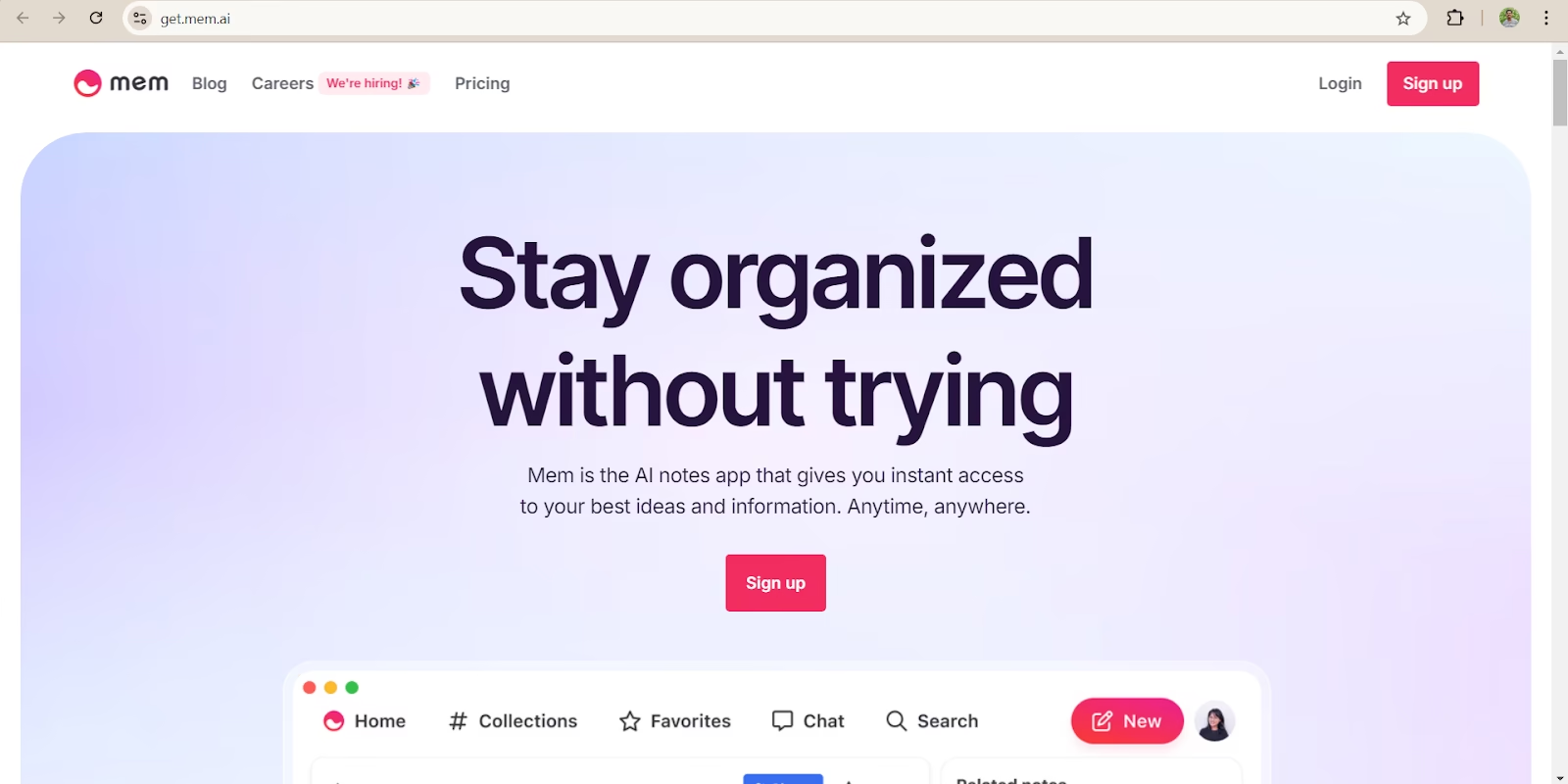
Mem.ai is a modern AI-powered note-taking platform designed to help users organize ideas more intelligently. Instead of storing notes in isolated folders, the platform automatically connects related information to create a smarter and more connected knowledge system. It also includes an AI chat assistant that helps users interact with their notes more efficiently.
Core Features
AI-Powered Note Organization
Mem.ai automatically sorts and connects notes based on topics, keywords, and related ideas. This makes it easier to find information without manually organizing everything.
AI Chat Assistant
The built-in AI assistant allows users to ask questions about their notes, generate summaries, and quickly retrieve important information from large collections of content.
Smart Reminders
The platform uses AI-based reminders to help users stay on top of important tasks, deadlines, and follow-ups.
Easy Integrations
Mem.ai works smoothly with popular tools such as Slack and Google Calendar, helping users manage their workflow more efficiently across different platforms.
Scalability
Whether used by an individual or a team, Mem.ai can manage large amounts of notes and data without slowing down. It is designed to scale efficiently as content grows.
Performance and Speed
The platform delivers a fast and user-friendly experience, especially for users who handle large volumes of notes daily.
Open Source
Mem.ai is not an open-source platform, but it offers strong customization options for users who want a more personalized workflow.
Pricing
- Free Plan: Available with basic features
- Pro Plan: Starts at approximately 700 INR per month
Pros and Cons
Pros
- Powerful AI chat functionality
- Smooth linking between related notes
- Fast and intelligent organization system
Cons
- Some features may feel complex for new users initially
4) Fireflies.ai
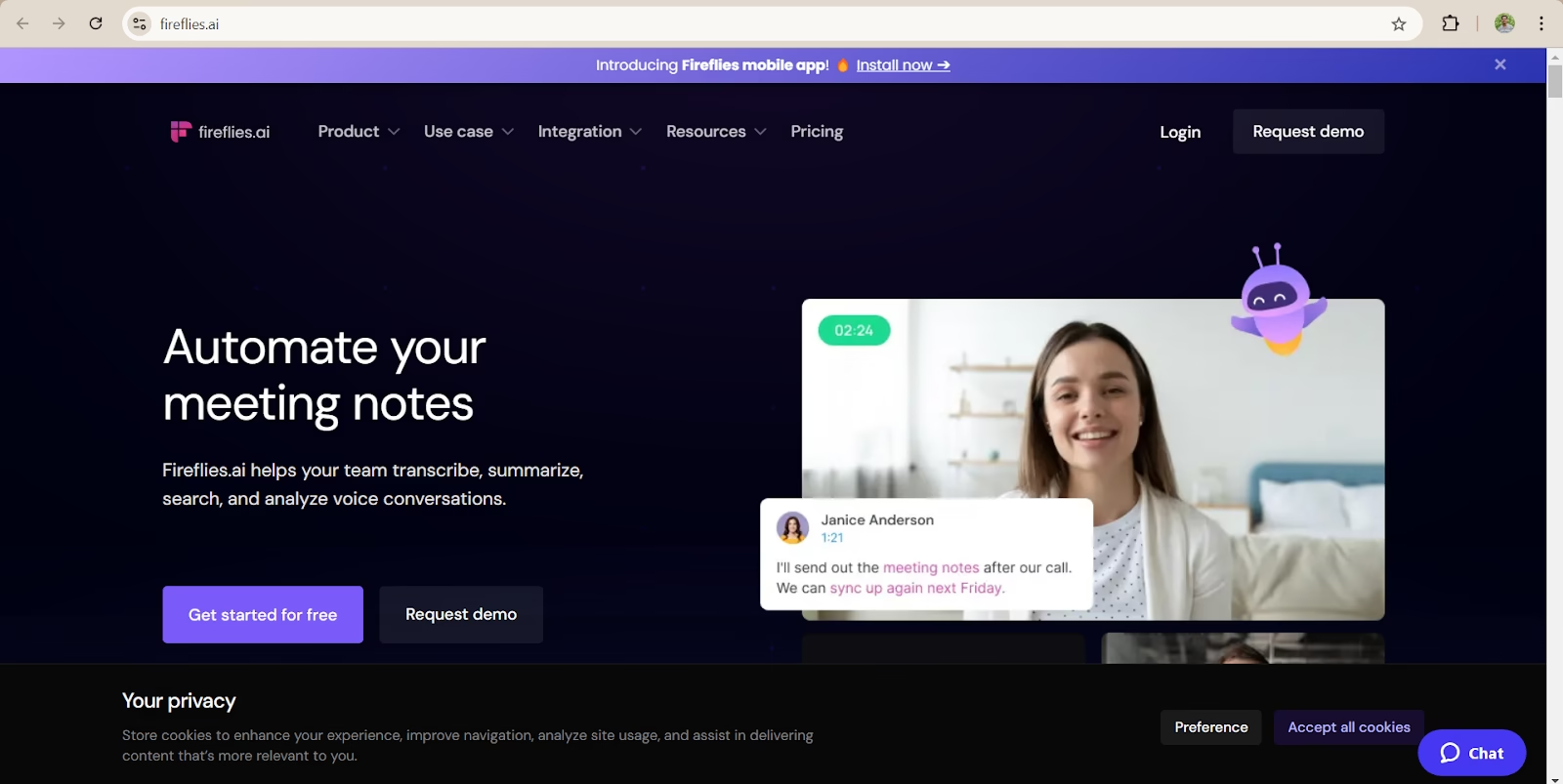
Fireflies.ai is an AI-powered meeting assistant designed to automatically record, transcribe, and summarize meetings. It is especially useful for teams and collaborative workplaces where sharing meeting notes, discussions, and action items is important.
Core Features
Automatic Meeting Transcription: Fireflies.ai can automatically record and transcribe meetings in real time. It also generates summaries, making it easier for teams to review key discussions without listening to the full meeting again.
Keyword and Topic Extraction: The platform helps users quickly find important moments from meetings by highlighting keywords, action items, and important discussion points.
Team Collaboration: Multiple team members can access, review, comment on, and share meeting transcripts. This makes collaboration smoother and helps teams stay aligned.
Easy Integration with Business Tools: Fireflies.ai integrates with popular platforms such as Zoom, Slack, Salesforce, Google Meet, and Microsoft Teams, allowing teams to manage meetings and workflows more efficiently.
Scalability for Different Team Sizes: The platform works well for startups, small businesses, and large enterprises. Its features are designed to support different team structures and collaboration needs.
Performance and Speed: Fireflies.ai offers fast transcription services with good overall accuracy. However, transcription quality and speed may vary depending on internet stability and audio quality.
Open Source Availability: Fireflies.ai is not an open-source platform.
Pricing
- Free Plan: ₹0 with limited transcription features
- Pro Plan: Starts at approximately ₹830/month
Pros and Cons
Pros
- High transcription accuracy
- Excellent collaboration and note-sharing features
- Supports integration with many popular business tools
Cons
- May face difficulty understanding strong non-native accents
- Performance can depend on the internet and audio quality
5) Krisp
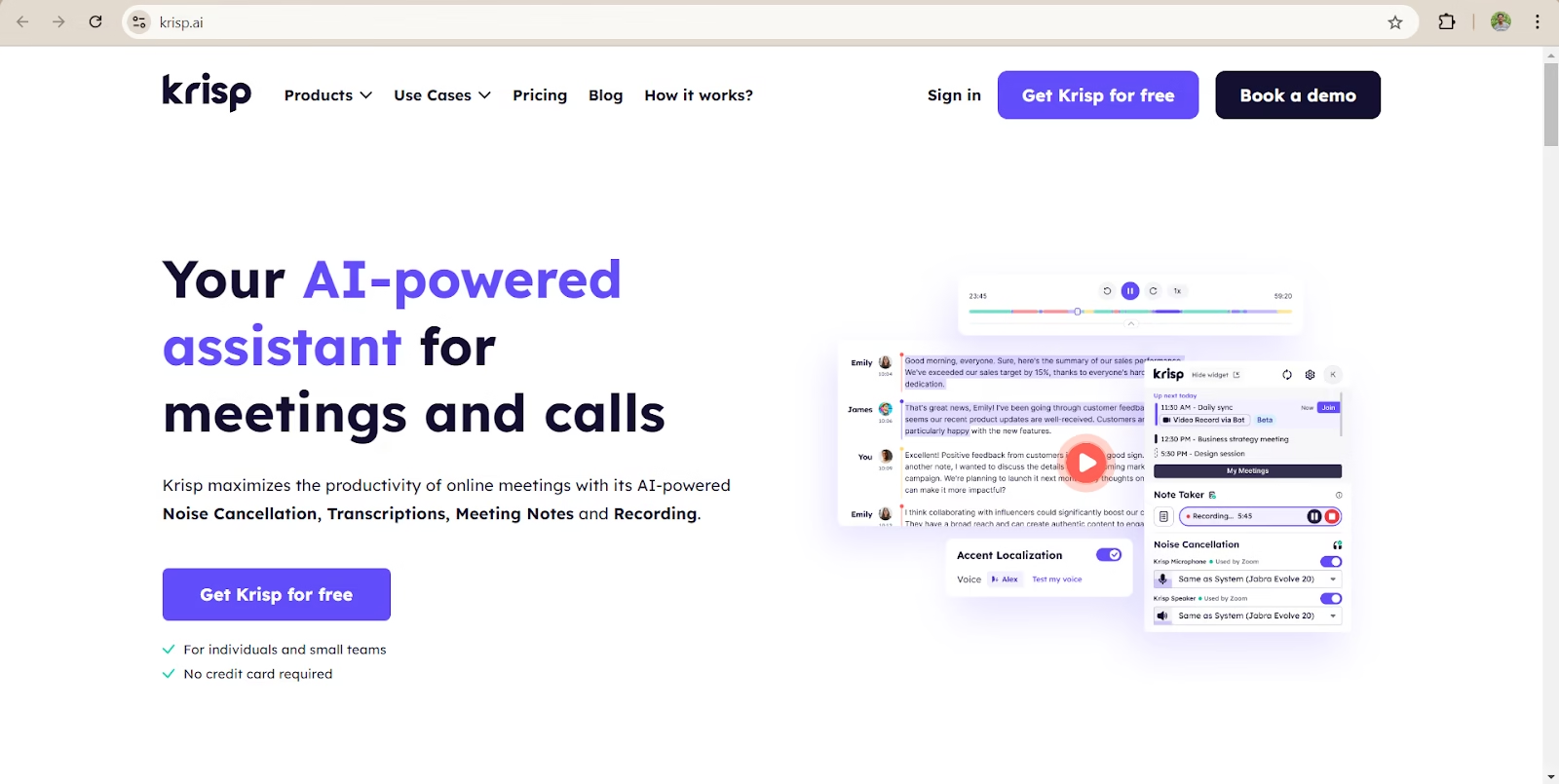
Krisp is an AI-powered communication tool designed to improve online meetings by removing background noise and providing real-time transcription. It is especially useful for professionals and teams working in noisy environments.
Core Features
AI Noise Cancellation: Krisp automatically removes unwanted background sounds such as keyboard typing, traffic noise, fan sounds, or nearby conversations. This helps improve voice clarity and creates a smoother meeting experience.
Real-Time AI Transcription: The platform offers live transcription during meetings, allowing users to capture conversations accurately without taking manual notes.
Multilingual Support: Krisp supports transcription in multiple languages, making it suitable for global teams and international communication.
Integration and Compatibility: Krisp works smoothly with most UCaaS and CCaaS platforms and is compatible with both Windows and Mac devices, making integration simple for businesses and individual users.
Scalability: The tool is best suited for freelancers, remote workers, small teams, and professionals who regularly attend meetings in busy or noisy environments.
Performance and Speed: Krisp delivers high-quality noise cancellation without reducing call quality or slowing down meeting performance. It works efficiently in real time during voice and video calls.
Open-Source Availability: Krisp is not an open-source platform.
Pricing
- Free Plan: ₹0 with up to 60 minutes of transcription per day
- Pro Plan: Starts at ₹670/month
Pros and Cons
Pros
- Excellent background noise removal
- Works across multiple meeting platforms
- Easy to set up and use
Cons
- Free plan offers limited transcription minutes
6) Tactiq
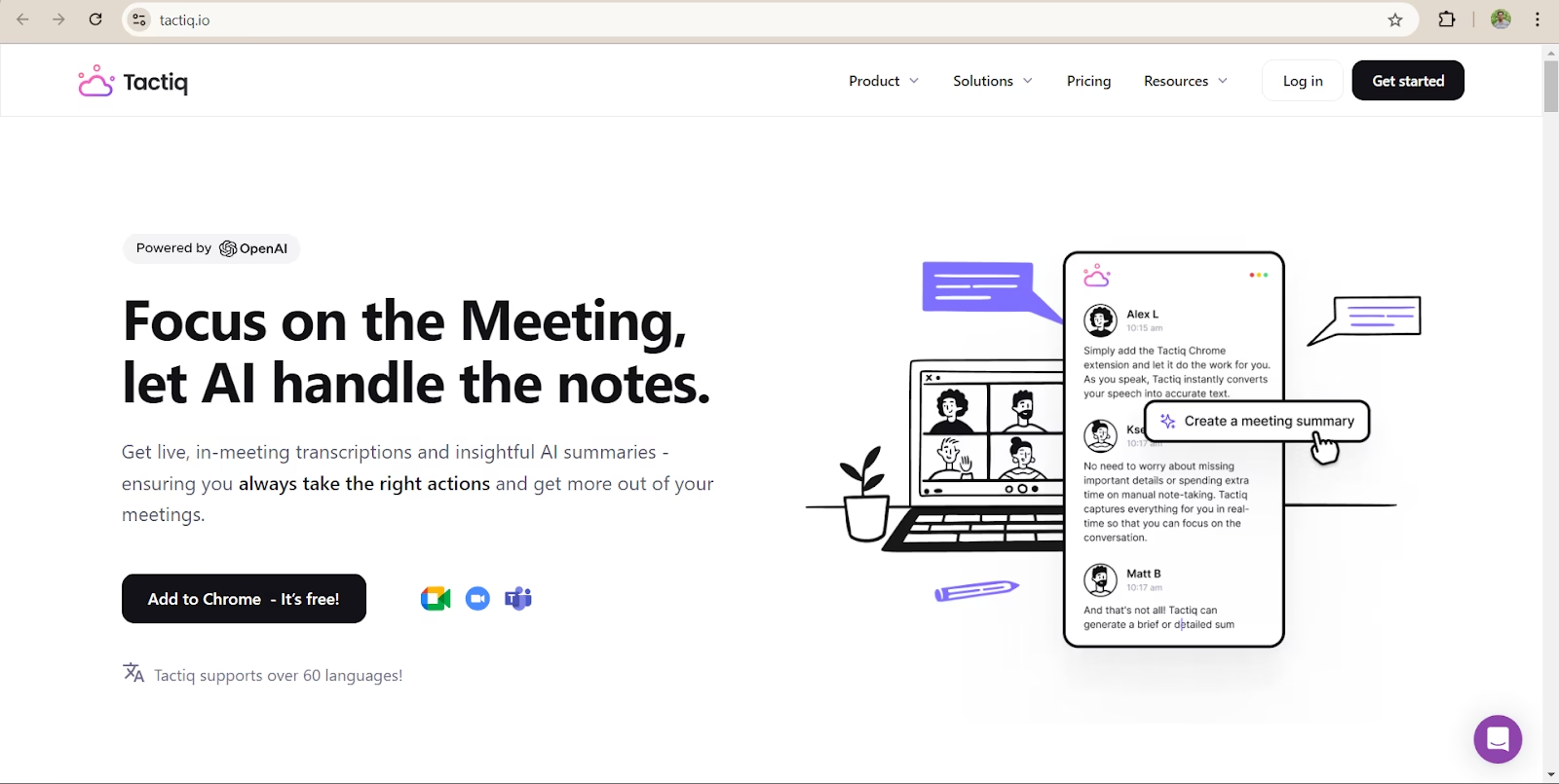
Tactiq is an AI-powered transcription tool built to help users record, organize, and highlight important parts of meetings in real time. It is especially useful for teams that want to simplify meeting notes and improve post-meeting productivity.
Core Features
Real-Time Transcription: Tactiq automatically converts conversations into text while the meeting is happening, helping teams capture important information instantly.
AI Highlights and Tags: Users can highlight key moments, add tags, and mark important discussion points during meetings for easier review later.
Multiple Export Options: Meeting transcripts can be exported directly to platforms like Google Docs and Notion, or downloaded as plain text files for flexible use.
Integration Support: Tactiq works smoothly with popular meeting platforms such as:
- Google Meet
- Zoom
- Microsoft Teams
This makes it easy to use without changing existing workflows.
Scalability: The platform is ideal for individuals and small teams that need faster and more organized meeting documentation. However, it can also support larger teams as collaboration needs grow.
Performance and Speed: Tactiq is known for delivering accurate real-time transcription. Its performance depends heavily on a stable internet connection during meetings.
Open-Source Availability: Tactiq is not an open-source platform, but it offers flexible integrations with commonly used productivity and collaboration tools.
Pricing
- Free Plan: 0 INR with basic transcription features
- Pro Plan: Starts at 830 INR/month
Pros and Cons
Pros
- Easy to use
- Simple integration with major meeting platforms
- Real-time note-taking improves productivity
Cons
- Free version has limited features
- Advanced tools and capabilities require a paid subscription
7) Reflect
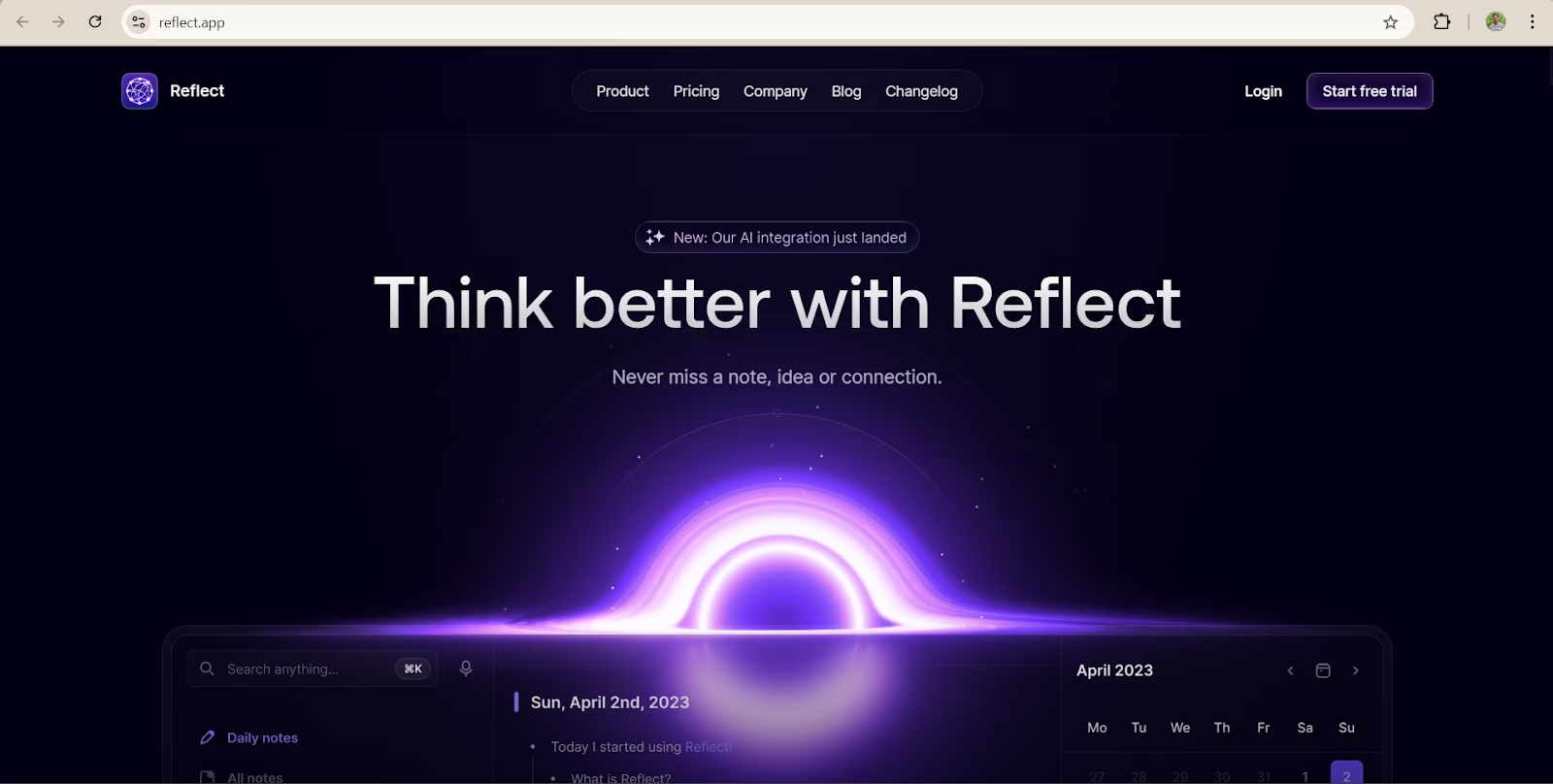
Reflect is a smart personal knowledge management (PKM) tool built for people who want to organize notes, ideas, and thoughts in a more efficient way. It uses AI technology to automatically connect related notes and keep information structured, making it easier to manage knowledge over time.
Core Features
- AI-Powered Organization: Reflect automatically categorizes and links related notes, helping users quickly find connected ideas and information.
- End-to-End Encryption: The platform provides strong privacy and security by protecting notes with end-to-end encryption.
- Voice Dictation: Users can record audio notes, and Reflect converts them into text with impressive accuracy.
- Easy Integrations: Reflect integrates smoothly with Google Calendar and Outlook, allowing users to connect notes, tasks, and calendar events in one place.
- Flexible Scalability: It works well for individuals as well as small teams, with scalable team plans available.
- Fast Performance: Reflect delivers quick response times, even when searching through a large number of notes.
- Platform Availability: While Reflect is not open-source, it offers a wide range of advanced features for personal note management.
Pricing
- Basic Plan: Starts at 835 INR/month when billed annually.
Pros & Cons
Pros
- Strong privacy and security features with encryption
- Smart AI-based note linking and organization
- Fast and smooth performance
Cons
- Limited free trial with no permanent free version
- May feel slightly complex for beginners or non-technical users
8) Fathom
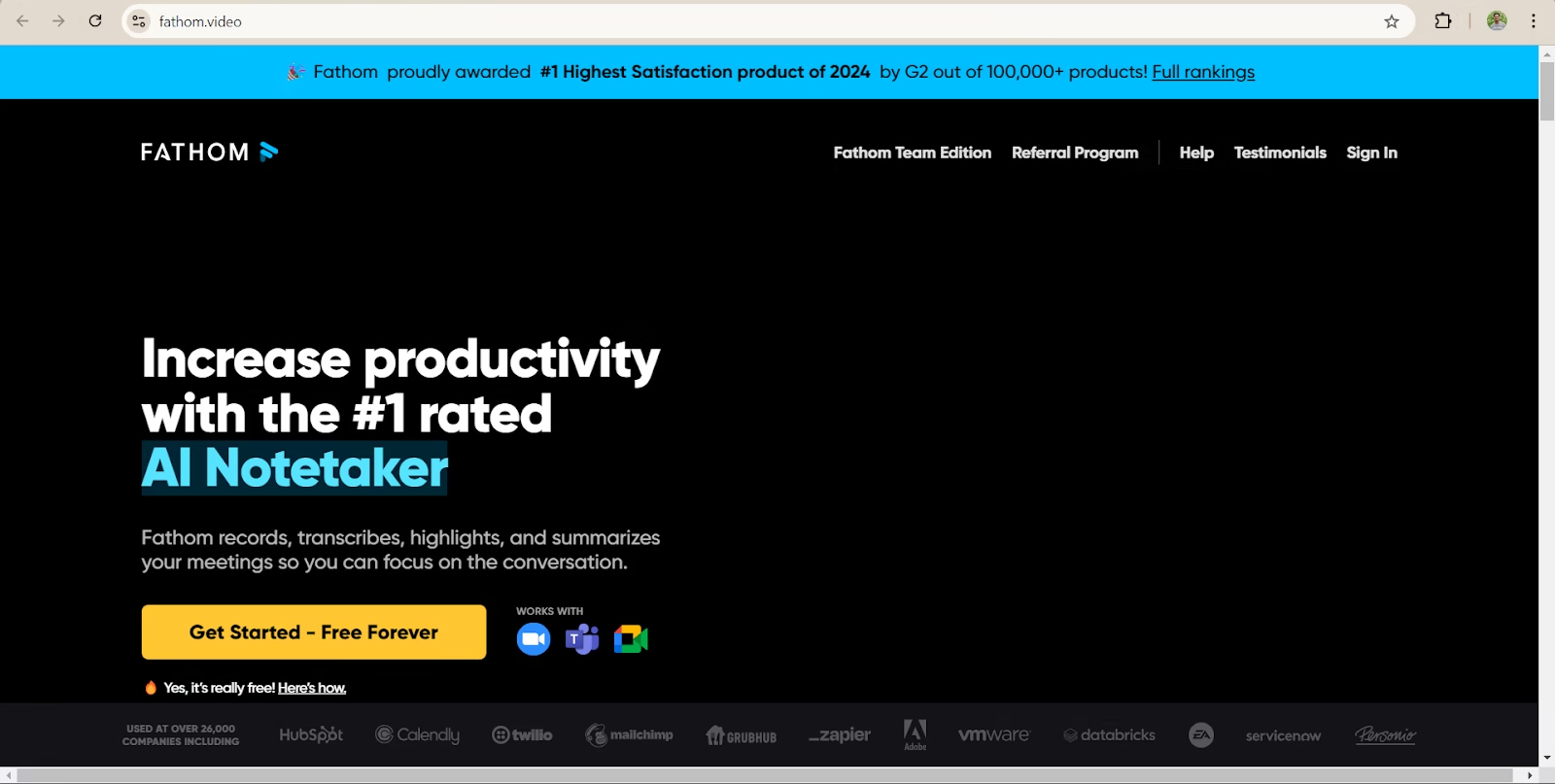
Fathom is an AI-powered meeting assistant mainly designed for Zoom meeting transcription. It helps professionals save time by creating live transcripts and smart meeting summaries automatically.
Core Features
Real-Time Transcription: Fathom converts spoken conversations during Zoom meetings into text instantly, helping users track discussions without taking manual notes.
AI-Generated Meeting Summaries: After each meeting, the platform automatically creates summaries that highlight key discussions, decisions, and action items.
Team Collaboration: Users can mark important sections inside transcripts, making it easier for teams to review discussions and revisit important details later.
Easy Integrations: Fathom works smoothly with Zoom and also supports integrations with tools like Slack and HubSpot for better workflow management.
Scalability
Fathom is a strong choice for small and medium-sized teams that regularly handle multiple Zoom meetings every week.
Performance and Speed
The platform is known for delivering fast and accurate transcriptions with very little delay during meetings.
Open Source
Fathom is not an open-source platform.
Pricing
- Free Plan: ₹0 with limited features
- Pro Plan: ₹1660/month
Pros and Cons
Pros
- Highly accurate meeting transcription
- Excellent for capturing action items and key points
Cons
- Mainly focused on Zoom meetings
- Some additional features may require extra software downloads
9) Avoma
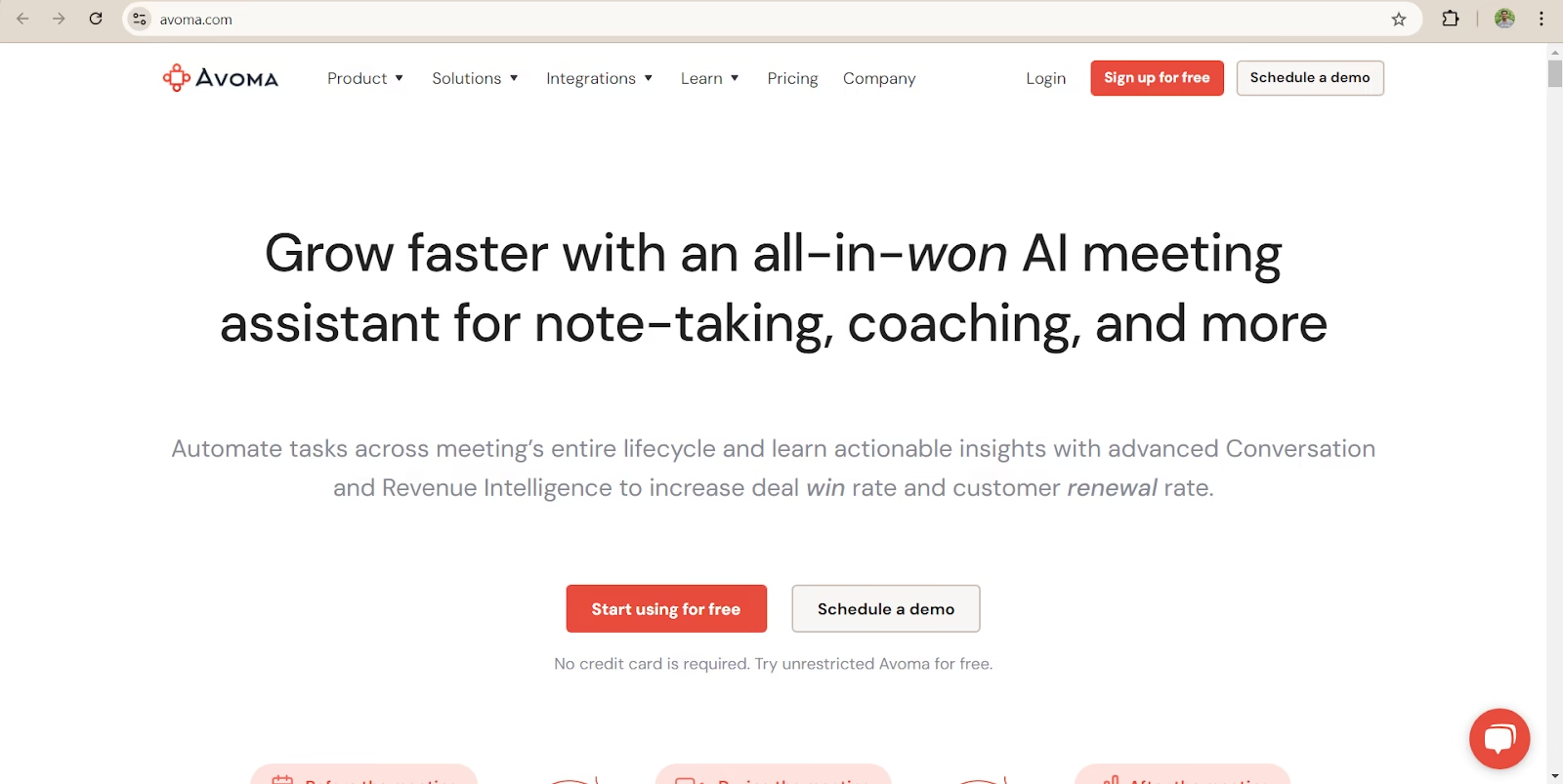
Avoma is an AI-powered meeting assistant designed mainly for sales and customer success teams. It goes beyond basic meeting transcription by providing detailed conversation insights and performance analytics that help teams improve communication and close deals more effectively.
Core Features
AI-Powered Transcription: Avoma automatically records and transcribes audio and video meetings in real time, making it easy to review conversations later.
Conversation Analytics for Sales Teams: The platform provides smart insights from meetings, helping teams understand customer interactions, track performance, and identify areas for improvement.
Team Collaboration Tools: Team members can add comments, share notes, and collaborate directly inside meeting records, improving communication and workflow efficiency.
Integration Support
Avoma integrates smoothly with popular meeting platforms such as:
- Zoom
- Google Meet
- Microsoft Teams
It also works well with several CRM and productivity tools.
Scalability
The platform is best suited for medium and large businesses, especially sales and customer success teams that depend heavily on meeting analytics and performance tracking.
Performance and Speed
Avoma performs very efficiently, even during long meetings. It quickly generates accurate transcripts and actionable insights without slowing down workflows.
Open-Source Availability
Avoma is not an open-source platform. However, it offers strong API integration capabilities for businesses that need custom workflows and automation.
Pricing
- Free Plan: ₹0 with limited features
- Pro Plan: Starts at ₹2000/month
Pros and Cons
Pros
- Excellent choice for sales and customer success teams
- Strong CRM and meeting platform integrations
- Useful analytics and performance insights
Cons
- More focused on business teams than individual users
- Some advanced features may feel unnecessary for personal use
10) Laxis
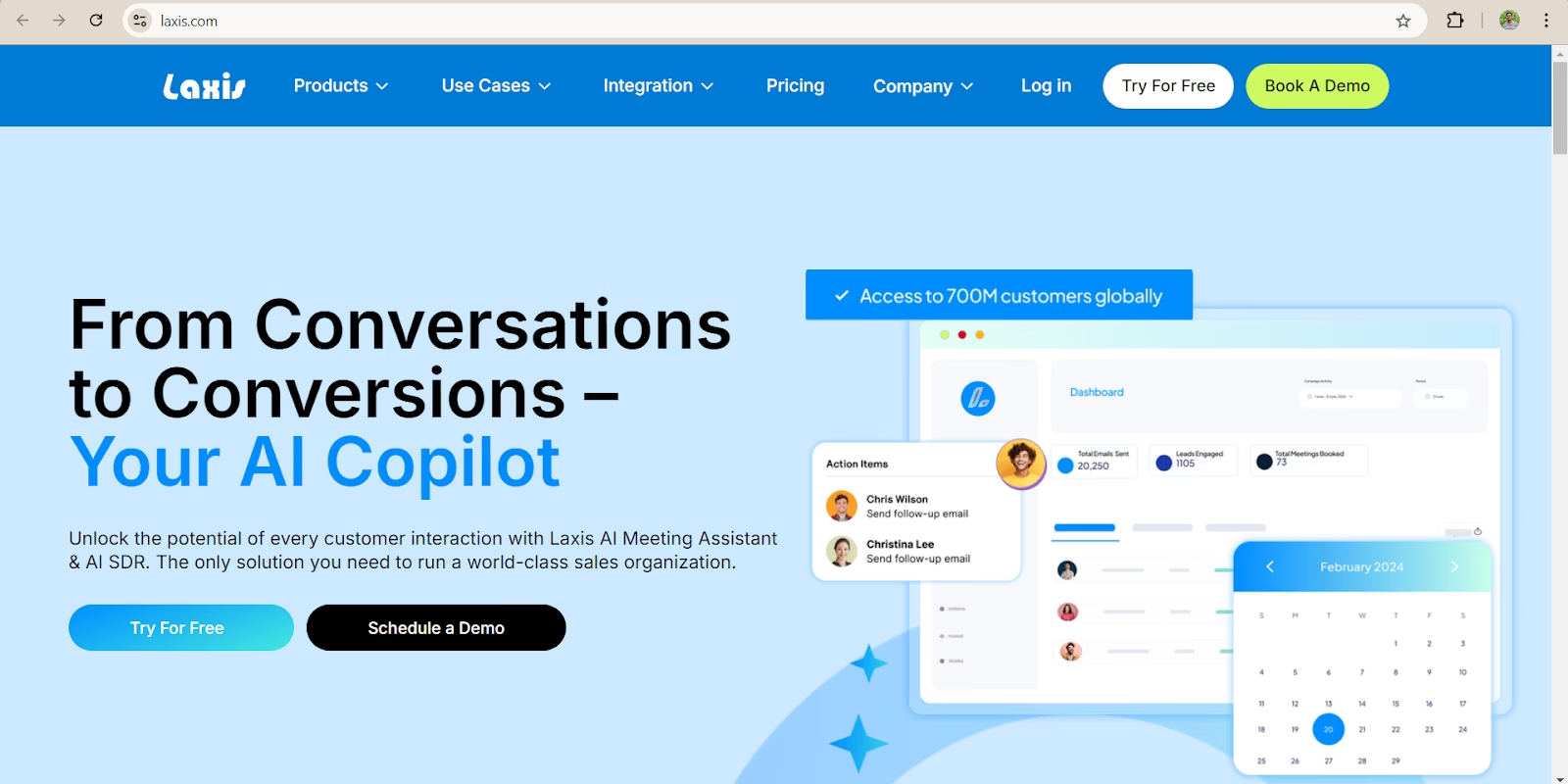
Laxis is an AI-powered meeting assistant designed to help teams record conversations, create accurate meeting notes, generate summaries, and automate follow-up communication. It helps businesses save time and stay organized after meetings.
Core Features
Real-Time Meeting Transcription: Laxis can automatically record and transcribe meetings as they happen, making it easier to capture every important discussion without manual note-taking.
Smart Insights and Action Points: The platform analyzes conversations and highlights key decisions, action items, and important insights discussed during the meeting.
Automated Follow-Up Emails: After the meeting ends, Laxis can automatically generate and send follow-up emails containing summaries, tasks, and next steps for participants.
Integration Support
Laxis works smoothly with popular meeting platforms, including:
- Zoom
- Google Meet
- Microsoft Teams
- Webex
This makes it easy for teams to use the tool within their existing workflow.
Scalability
The platform is well-suited for medium to large businesses that need detailed meeting records, summaries, and team collaboration support.
Performance and Speed
Laxis is known for its fast transcription speed and accurate meeting insights. It helps ensure that important details, decisions, and action items are not missed.
Open-Source Availability
Laxis is not an open-source platform.
Pricing
- Basic Plan: ₹1125/month
- Pro Plan: ₹2085/month
Pros and Cons
Pros
- Fast and accurate meeting summaries
- Helpful automated follow-up emails
- Easy integration with major meeting platforms
Cons
- Limited CRM integration options compared to some competitors
11) Microsoft OneNote: Best Free Note-Taking App (iOS, Android, macOS, Windows, Web)

Microsoft OneNote is a digital note-taking platform designed to help individuals and teams organize notes, ideas, research, meeting records, and tasks in one place. It combines traditional note-taking with cloud syncing, collaboration tools, and AI-powered features through Microsoft Copilot integration.
Core Features
Flexible Note Organization: OneNote allows users to organize notes into notebooks, sections, and pages, making it easy to manage large amounts of information efficiently.
Handwriting and Multimedia Support: Users can add handwritten notes, images, audio recordings, screenshots, PDFs, and videos directly into their notebooks for richer documentation.
Real-Time Collaboration: Teams can collaborate on shared notebooks in real time, allowing multiple users to edit, comment, and update notes together.
AI-Powered Assistance: With Microsoft Copilot integration, users can generate summaries, organize content, create task lists, and improve productivity using AI features.
Integration Support
Microsoft OneNote integrates smoothly with:
- Microsoft 365
- Outlook
- Microsoft Teams
- OneDrive
- Word
- Excel
This allows users to manage notes directly within the Microsoft ecosystem.
Scalability
OneNote is suitable for:
- Students
- Individual professionals
- Small businesses
- Large enterprises
Its cloud-based structure makes it highly scalable for both personal and team collaboration.
Performance and Speed
Microsoft OneNote offers fast syncing across devices and smooth performance for organizing large notebooks. Its cloud synchronization helps users access notes instantly from anywhere.
Open-Source Availability
Microsoft OneNote is not an open-source platform.
Pricing
Free Plan: Available with basic features
Microsoft 365 Personal: Starts around ₹489/month
Microsoft 365 Family: Starts around ₹619/month
Pros and Cons
Pros
- Easy note organization with notebooks and sections
- Strong collaboration and cloud syncing features
- Supports text, audio, handwriting, and multimedia notes
- Works well within the Microsoft ecosystem
Cons
- Advanced AI features require Microsoft 365 subscription
- Interface can feel overwhelming for new users
- Limited customization compared to some modern note-taking apps
12) Apple Notes: Best note-taking app for Apple users (iOS, macOS, Web)
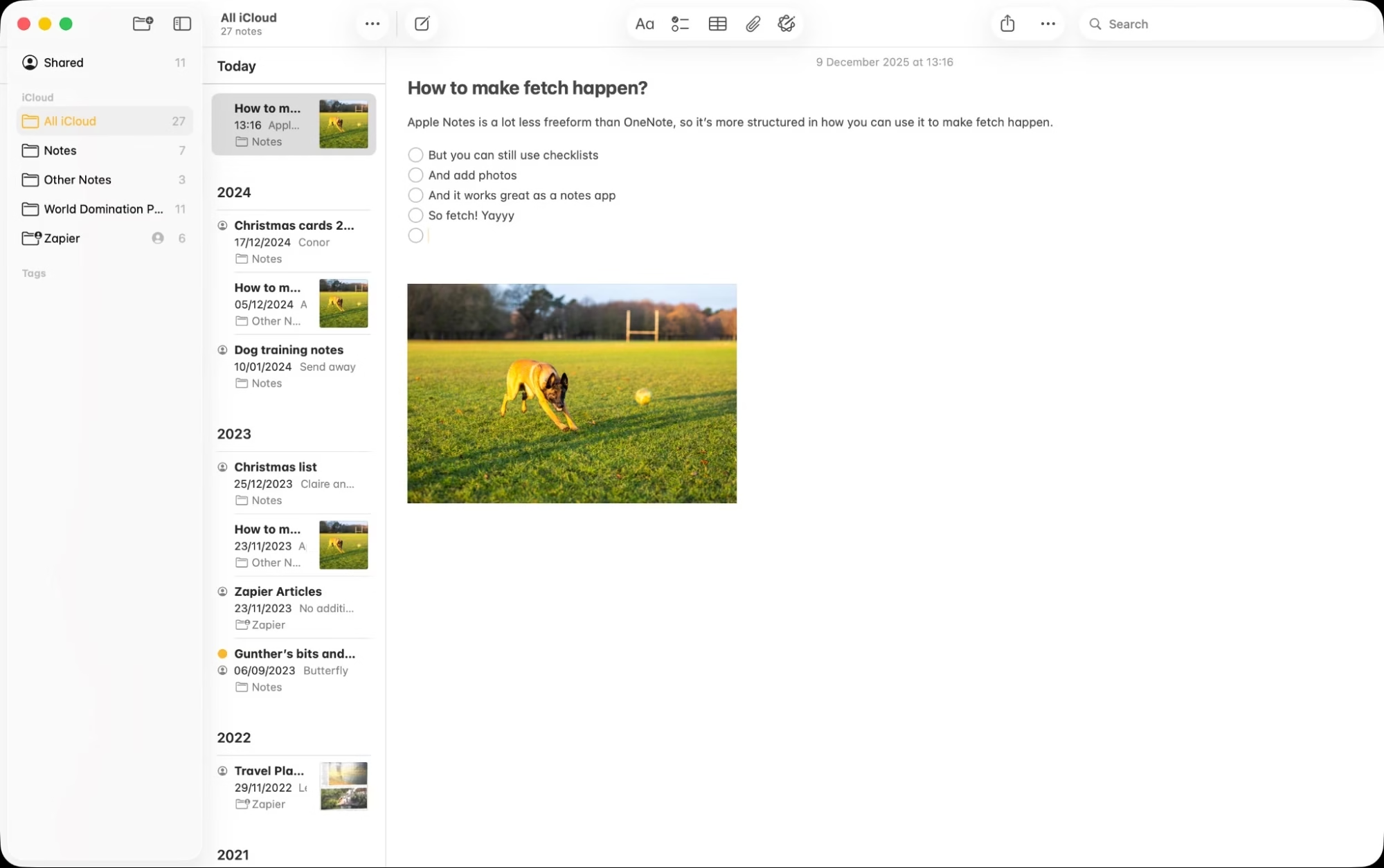
Apple Notes is a simple and user-friendly note-taking application designed for Apple users to create, organize, and manage notes across devices. It offers seamless syncing, smart organization tools, and productivity features that help users capture ideas, tasks, documents, and personal information efficiently.
Core Features
Simple and Clean Note-Taking: Apple Notes provides an easy-to-use interface for writing quick notes, checklists, reminders, and long-form content without distractions.
Smart Organization Tools: Users can organize notes using folders, tags, pinned notes, and smart search features, making it easier to find important information quickly.
Multimedia Support: The platform supports images, scanned documents, tables, sketches, links, and handwritten notes for more detailed note management.
Secure Notes and Privacy: Apple Notes allows users to lock sensitive notes with passwords, Face ID, or Touch ID for better privacy and security.
Integration Support
Apple Notes integrates smoothly with:
- iCloud
- Siri
- Apple Reminders
- Safari
- Apple Mail
- iPhone, iPad, and Mac ecosystem
This creates a seamless experience across Apple devices.
Scalability
Apple Notes is ideal for:
- Personal users
- Students
- Professionals
- Small teams within the Apple ecosystem
It works best for users already using Apple products regularly.
Performance and Speed
Apple Notes is lightweight, fast, and optimized for Apple devices. Notes sync quickly through iCloud, allowing users to access updates in real time across devices.
Open-Source Availability
Apple Notes is not an open-source platform.
Pricing
Free: Included with Apple devices and iCloud account
Additional iCloud Storage:
Starts around ₹75/month for expanded cloud storage plans.
Pros and Cons
Pros
- Simple and clean interface
- Excellent syncing across Apple devices
- Strong privacy and security features
- Free for Apple users
Cons
Collaboration features are less advanced for large teams
Limited availability outside Apple ecosystem
Fewer advanced AI features compared to some competitors
13) Google Keep: Best note app for Google power users (Android, iOS, Web, Chrome)
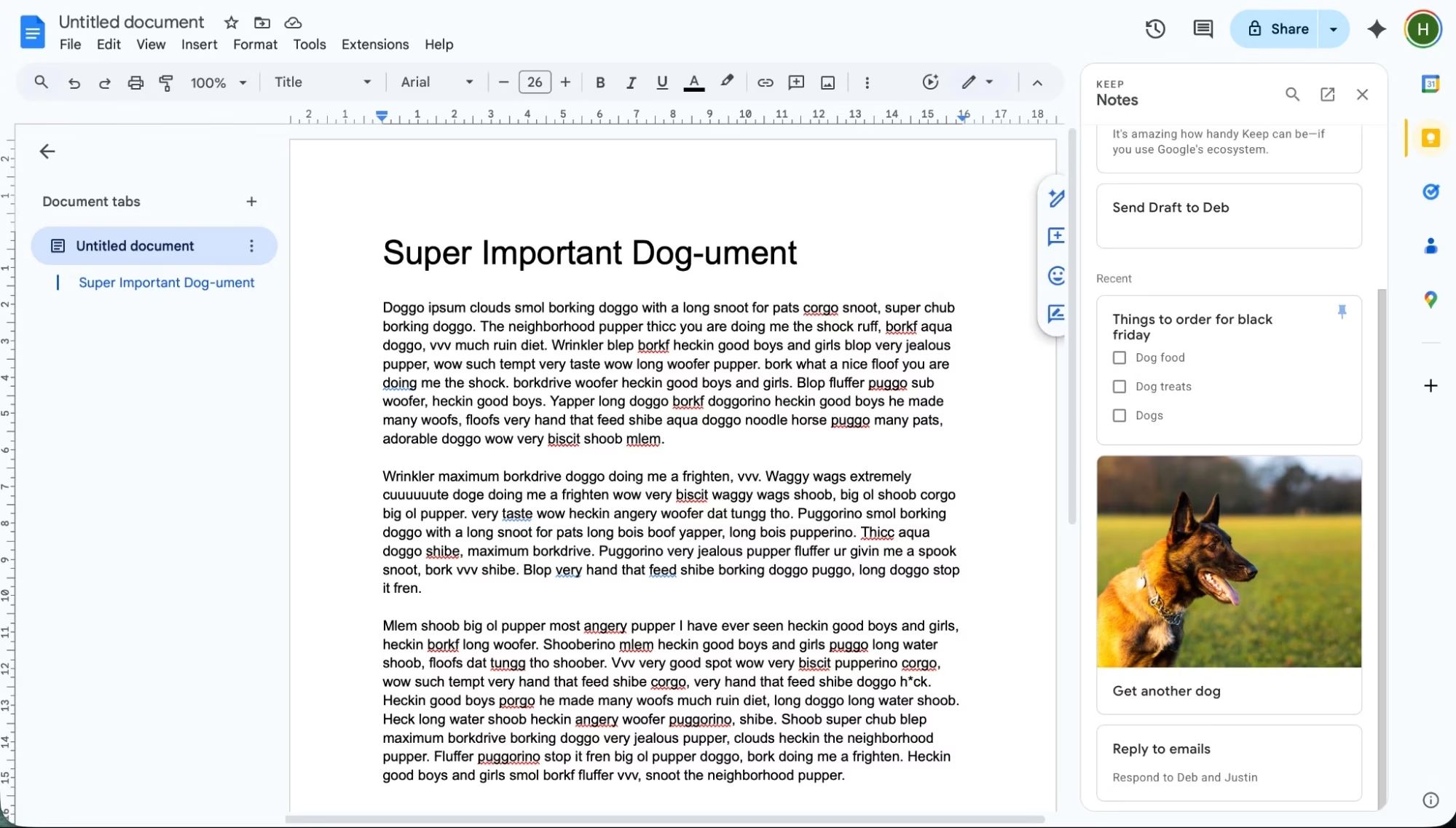
Google Keep is a lightweight and easy-to-use note-taking application designed for quick note creation, reminders, checklists, and idea organization. It focuses on simplicity, fast access, and seamless syncing across devices through the Google ecosystem.
Core Features
Quick Note Creation: Google Keep allows users to instantly create text notes, voice notes, checklists, and reminders with a clean and simple interface.
Color-Coded Organization: Users can organize notes using colors, labels, and pinned sections, making important notes easier to identify and access.
Voice-to-Text Conversion: The platform can convert voice recordings into text automatically, helping users capture ideas quickly while on the go.
Smart Reminders and Collaboration: Google Keep supports location-based and time-based reminders. Users can also share notes and collaborate with others in real time.
Integration Support
Google Keep integrates smoothly with:
- Google Workspace
- Google Docs
- Google Calendar
- Gmail
- Google Drive
This makes it convenient for users already working within Google’s ecosystem.
Scalability
Google Keep is suitable for:
- Students
- Personal users
- Freelancers
- Small teams
It works best for quick note management rather than large-scale knowledge organization.
Performance and Speed
Google Keep is known for its lightweight performance and fast syncing across devices. Notes load quickly and remain accessible even with minimal internet connectivity.
Open-Source Availability
Google Keep is not an open-source platform.
Pricing
Free Plan: Available with a Google account
Google Workspace Plans: Advanced business features available through paid Google Workspace subscriptions.
Pros and Cons
Pros
- Extremely simple and easy to use
- Fast syncing across devices
- Helpful voice note and reminder features
- Free for all Google users
Cons
- Limited advanced formatting options
- Not ideal for complex project organization
- Fewer AI-powered features compared to advanced note-taking tools
14) Obsidian: Android, iOS, macOS, Windows, Linux
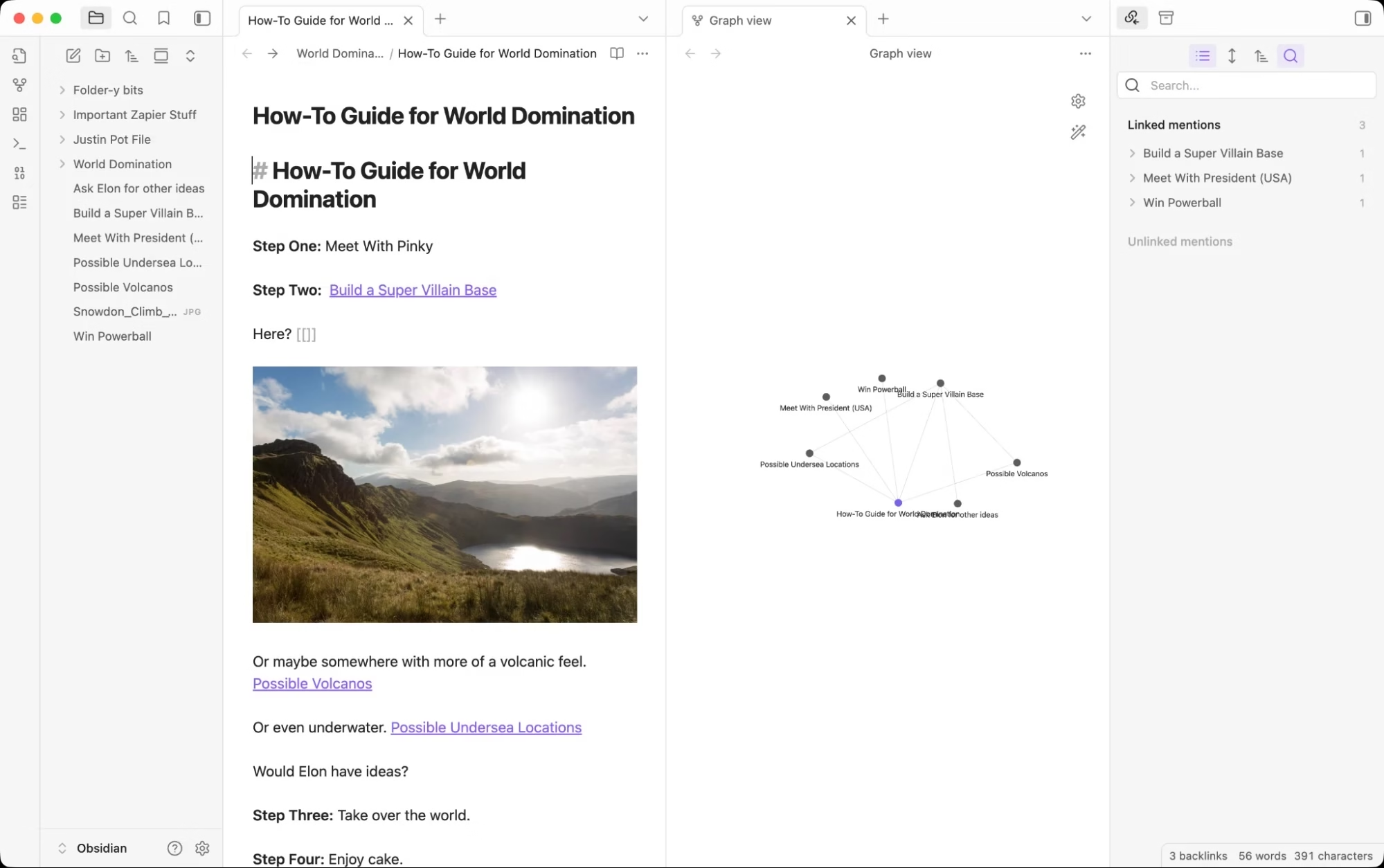
Obsidian is a powerful knowledge management and note-taking platform designed for users who want to organize information through connected notes and personal knowledge graphs. It is widely used by researchers, writers, students, and professionals for deep note organization and long-term knowledge management.
Core Features
Linked Note System: Obsidian allows users to connect notes using internal links, helping create a network of related ideas and information for better knowledge organization.
Markdown-Based Notes: The platform uses Markdown formatting, making notes lightweight, flexible, and easy to manage without complex formatting tools.
Knowledge Graph Visualization: Obsidian provides a visual graph view that displays relationships between notes, helping users understand connections between topics more clearly.
Offline-First Functionality: All notes are stored locally on the user’s device, allowing access even without an internet connection while giving users full control over their data.
Integration Support
Obsidian integrates with:
- Google Drive
- Dropbox
- GitHub
- Community plugins
- Third-party productivity tools
Its plugin ecosystem allows users to extend functionality based on their workflow.
Scalability
Obsidian is highly scalable and suitable for:
- Researchers
- Writers
- Students
- Developers
- Knowledge workers
- Large personal knowledge bases
It works well for managing both simple notes and complex information systems.
Performance and Speed
Obsidian is lightweight and fast because it stores notes as local text files. Even large note collections perform smoothly on most devices.
Open-Source Availability
Obsidian is not fully open-source, but it offers a highly customizable plugin ecosystem and local file ownership.
Pricing
Personal Use: Free
Commercial Use License: Starts around ₹4,000–₹4,500/year
Optional Sync and Publish Add-ons: Available at additional cost.
Pros and Cons
Pros
- Powerful linked-note and knowledge graph system
- Works offline with full local data ownership
- Highly customizable through plugins
- Excellent for long-term knowledge management
Cons
- Learning curve for beginners
- Markdown format may feel technical for some users
- Advanced customization can become overwhelming
15) Evernote: Best Note-Taking App with a Redemption Arc
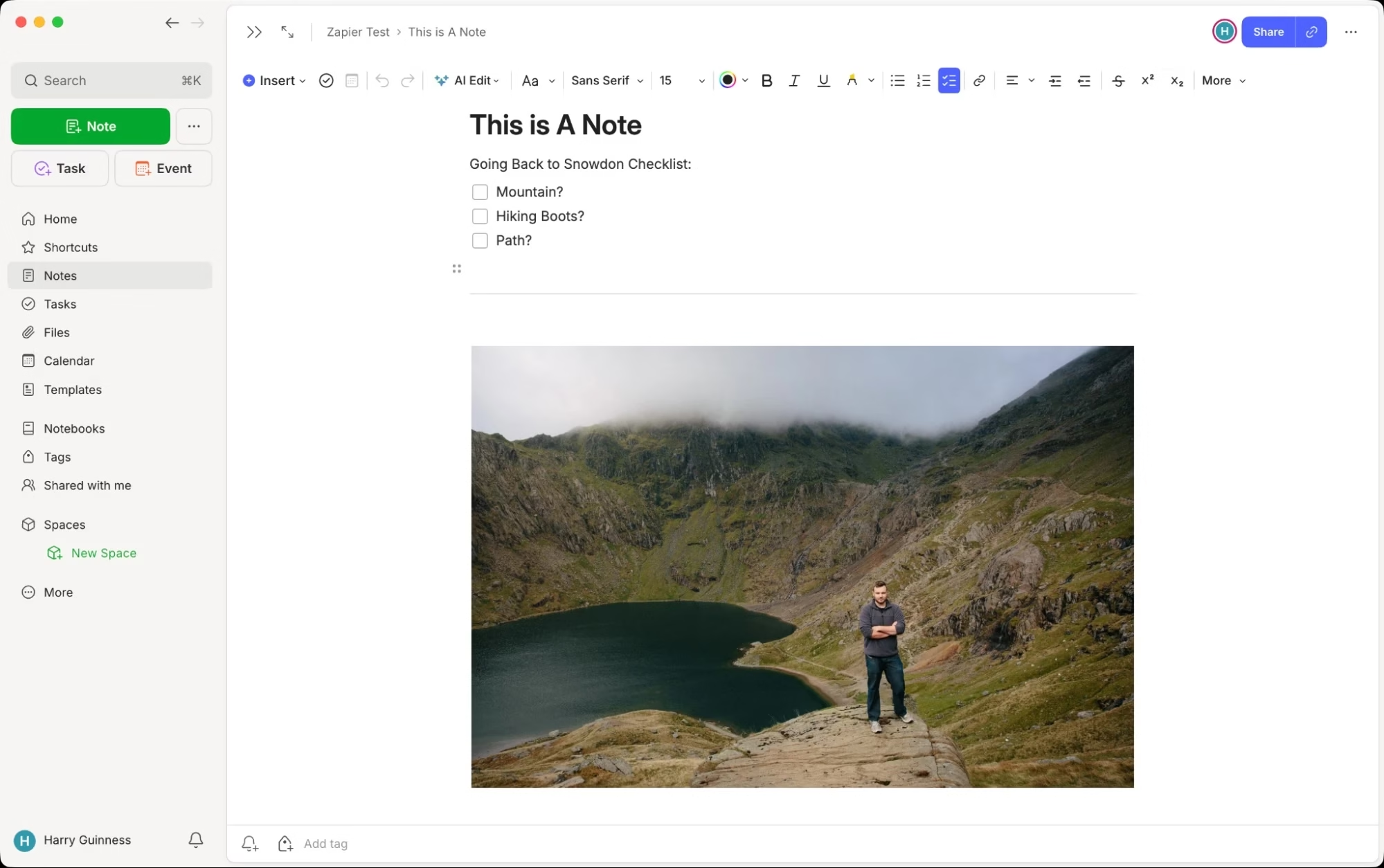
Evernote is a popular note-taking and productivity platform designed to help users capture, organize, and manage notes, documents, tasks, and ideas in one place. It is widely used by professionals, students, and businesses for managing both personal and work-related information efficiently.
Core Features
Advanced Note Organization: Evernote allows users to organize notes using notebooks, tags, and filters, making it easier to manage large amounts of information.
Document Scanning and Storage: Users can scan documents, save PDFs, store images, and attach files directly within notes for better digital organization.
Web Clipping Tool: The platform includes a web clipper feature that lets users save articles, research, and webpages directly into their notebooks for future reference.
Task and Reminder Management: Evernote supports task lists, reminders, and note-based planning, helping users stay productive and organized.
Integration Support
Evernote integrates with:
- Google Calendar
- Slack
- Microsoft Teams
- Gmail
- Google Drive
- Outlook
This allows users to connect notes with their daily workflow tools.
Scalability
Evernote is suitable for:
- Personal users
- Students
- Freelancers
- Small businesses
- Enterprise teams
It works well for both simple note-taking and large information management systems.
Performance and Speed
Evernote offers smooth syncing across devices and reliable cloud storage. Its search functionality is fast and can even search text inside images and scanned documents.
Open-Source Availability
Evernote is not an open-source platform.
Pricing
Free Plan: Available with limited features
Personal Plan: Starts around ₹300–₹400/month
Professional Plan: Starts around ₹550–₹700/month
Pros and Cons
Pros
- Strong organization and search features
- Excellent document scanning support
- Helpful web clipping functionality
- Cross-platform syncing across devices
Cons
- Free version has feature limitations
- Advanced plans can become expensive
- Interface may feel heavy for basic users
Other Note-Taking Apps Worth Considering
If the apps mentioned above don’t fully match your needs, there are several other note-taking tools that are still worth exploring. Most of them were left off the main list mainly because of pricing or limited appeal, but they still offer strong features for the right users.
Agenda and NotePlan
Agenda and NotePlan combine note-taking, calendars, and journaling into a single experience. They offer a unique workflow that many productivity enthusiasts enjoy. However, their setup and style may feel too specialized for average users looking for a simple note-taking app.
Craft
Craft is a polished and visually appealing app that feels like a more Apple-focused version of tools such as Notion or Obsidian. It delivers an excellent writing and organization experience, especially for Apple users. However, with pricing starting around $10 per month and many lower-cost alternatives available, it may not suit everyone’s budget.
Bear
Bear is another beautifully designed app for Apple devices and offers a cleaner experience compared to Apple Notes. It’s simple, fast, and enjoyable to use. Still, even at around $3 per month, some users may find it difficult to justify paying when free alternatives already exist. For users deeply invested in the Apple ecosystem, though, it remains a strong option.
UpNote
UpNote is a reliable alternative to Evernote and works across multiple platforms. It offers a smooth user experience and affordable pricing, starting at $1.99 per month or a one-time lifetime plan for $39.99. While it lacks some advanced features such as OCR and doesn’t provide a strong free version, it still delivers solid value for users looking for a budget-friendly notes app.
Goodnotes
Goodnotes is a popular alternative to OneNote, especially for iPad users who prefer handwriting and a more Apple-like experience. It performs very well for digital note-taking and studying. However, its yearly subscription cost and expensive AI add-ons may make it less appealing for users seeking a more affordable solution.
Final Words
Paraphrase the below content and make it best sue simple words in it also do not change the meaning (write like expert) That’s it for our list of 10 AI tools for note taking. This detailed breakdown gives you the insights you need to choose the best AI tool for note taking that suits your needs. AI tools for note-taking have made it easier than ever to capture every detail of a meeting or brainstorming session. Whether you’re a student, professional, or creative, these tools can help you stay organized and improve your productivity.
That wraps up our list of the 10 best AI tools for note taking. This detailed guide is designed to help you understand the key features, strengths, and benefits of each tool so you can choose the one that best matches your workflow and learning style.
AI-powered note-taking tools have completely changed the way people capture and organize information. From meetings and lectures to brainstorming sessions and daily tasks, these tools make it much easier to record important details without missing anything.
Whether you are a student managing study notes, a professional handling meetings, or a creative organizing ideas, AI note-taking tools can help you stay more organized, save time, and improve overall productivity.


