

Best Social Media Scheduler

Sprout Social

AI-powered social intelligence for teams that manage publishing, engagement, and analytics.
Paid Subscription$19930-day trial
- Web app
- iOS (iPhone & iPad)
- Android
- macOS

Free AI-assisted image resizing for 103 social media sizes.
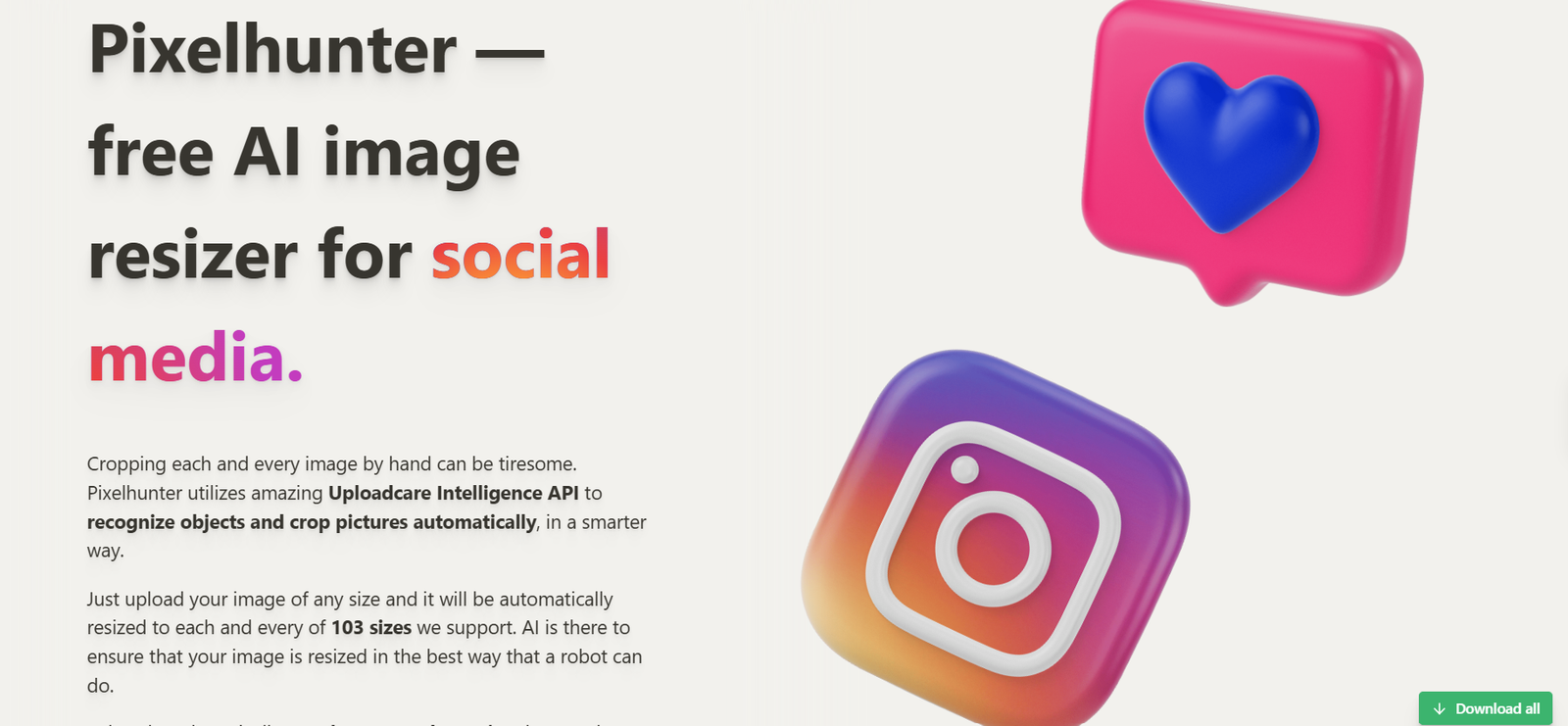
Free AI-assisted image resizing for 103 social media sizes. Pixelhunter is a narrowly focused, free image resizer for social media.
Pixelhunter is a handy one-step tool for turning a single image into many social-ready crops without manual resizing. It is free and easy to try, but much narrower than a social media manager. Review every exported crop and check upload handling before putting confidential images through the service.
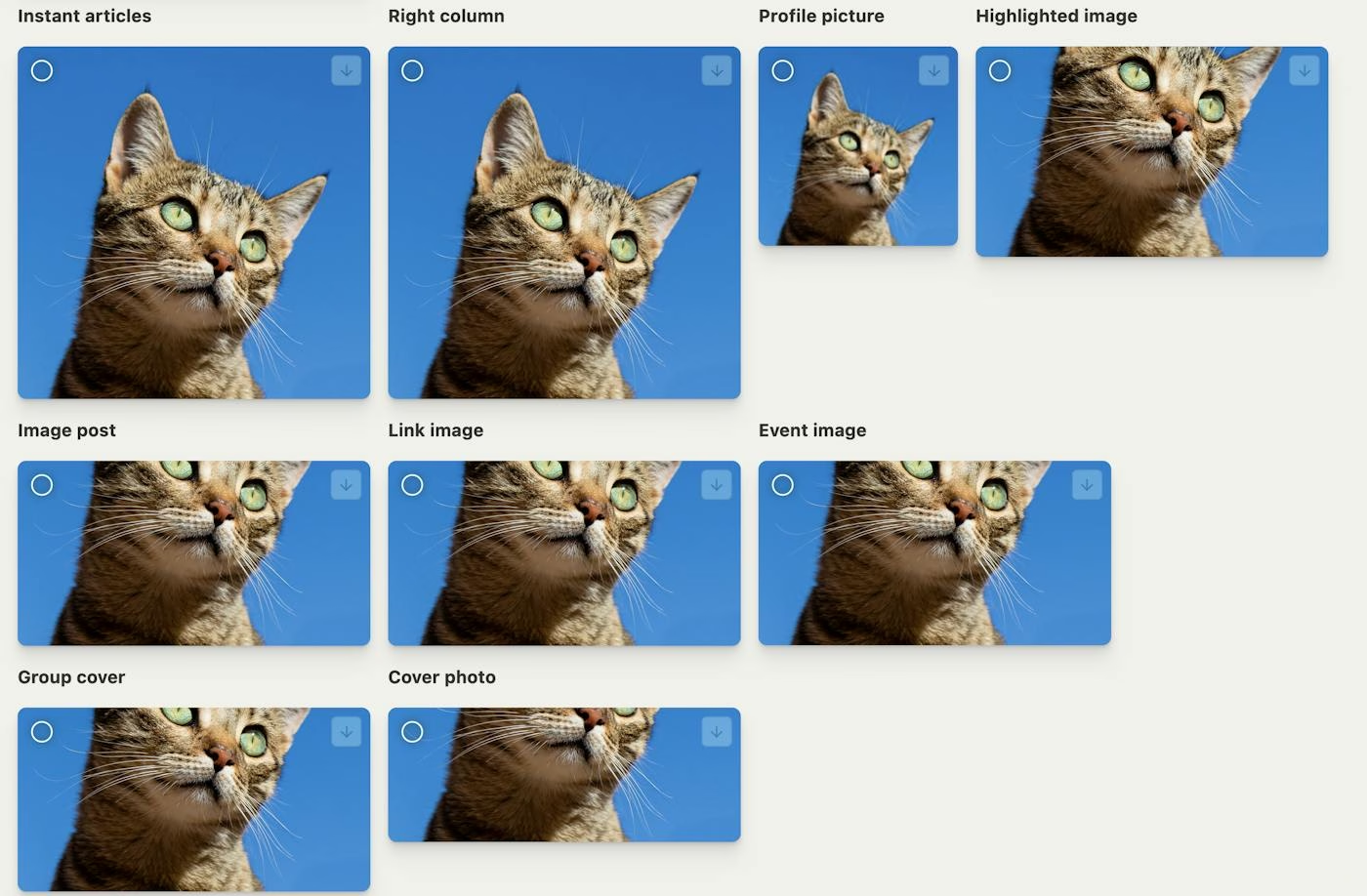
Pixelhunter is a narrowly focused, free image resizer for social media. Upload an image and it automatically crops and exports versions for the sizes used across popular social networks. The vendor says it supports 103 output sizes and uses the Uploadcare Intelligence API to detect important objects so the crop is less likely to cut them off. The page also includes short, network-specific tips about image format and placement.
The workflow is simple: choose a file, let the site prepare the size variants, then download individual results or use the Download all option. The homepage calls Pixelhunter free, and no paid upgrade, subscription, or trial is advertised there. It is a browser-based tool rather than a full design suite or a social media scheduler. There is no evidence on the public page of approval workflows, multi-user accounts, analytics, or direct publishing. Its strength is saving repetitive cropping work, not managing
Pixelhunter is a narrowly focused, free image resizer for social media. Upload an image and it automatically crops and exports versions for the sizes used across popular social networks. The vendor says it supports 103 output sizes and uses the Uploadcare Intelligence API to detect important objects so the crop is less likely to cut them off. The page also includes short, network-specific tips about image format and placement.
The workflow is simple: choose a file, let the site prepare the size variants, then download individual results or use the Download all option. The homepage calls Pixelhunter free, and no paid upgrade, subscription, or trial is advertised there. It is a browser-based tool rather than a full design suite or a social media scheduler. There is no evidence on the public page of approval workflows, multi-user accounts, analytics, or direct publishing. Its strength is saving repetitive cropping work, not managing an entire campaign.
The site does not prominently show a privacy policy or terms link in the visible product flow at review time. Anyone processing sensitive or unreleased imagery should check how uploaded files are handled before using it. Image quality and subject detection will still vary by source image, so check the exported crops before posting.
Editorial review of the official product, pricing, company and help pages; no hands-on account test.
| Pricing | Free plan |
|---|---|
| Starting price | Free |
| Free plan | Yes |
| Free trial | No |
| Platforms | Web app |
| API | No |
| Apps Insight Score | 31/100 |
Editorial points are assigned by AppsInsight editors and cannot be purchased or influenced.
| Feature | Pixelhunter | Sprout Social | ContentStudio | Metricool |
|---|---|---|---|---|
| Rating | 3.5 / 5 | 5.0 / 5 | 5.0 / 5 | 5.0 / 5 |
| Pricing | Free plan | Paid Subscription | Paid Subscription | Free plan |
| Starting price | Free | $199 | $ 19 | Free |
| Free plan | Included | Included | Included | Included |
| Free trial | No | Yes (30 days) | No | No |
| Platforms | Web app | Web app, iOS (iPhone & iPad), Android, macOS, Windows | Web app, iOS (iPhone & iPad), Android | Web app, iOS (iPhone & iPad), Android |
| Best for | Social media managers resizing one image for several channels Small teams without a dedicated design workflow Creators needing quick automated crops | Social media teams, marketing teams, SaaS and tech companies, enterprise social media managers, influencer marketing teams, customer care teams | Agencies, marketing teams, solo creators, multi-brand social media managers, teams that need client approvals, businesses automating content workflows | Marketing agencies, social media managers, SMB marketing teams, solo creators, multi-brand operators |
Pixelhunter vs Sprout Social Pixelhunter vs ContentStudio Pixelhunter vs Metricool

AI-powered social intelligence for teams that manage publishing, engagement, and analytics.

AI social media management for agencies and teams

Plan, publish, analyze, and reply from one social media dashboard.

Unified API + MCP to post, schedule, reply, and track analytics across 9+ social platforms.
AI social listening that tracks mentions across social media, news, blogs, videos, forums, podcasts and reviews…

Social media scheduling, analytics and influencer marketing - plan and auto-publish across 8 networks with AI…

AI that plans, creates, schedules, and tracks your small business social media.

AI automated comments on LinkedIn and X to grow audience and profile visibility.


Track keywords and conversations across social networks with real-time alerts
No reviews yet. Be the first to review this app.
Already have an account? Log in to track your reviews.