

Save time and study smarter by letting AI create flashcards for you automatically. Explore our handpicked list of the 5 best AI flashcard makers designed to make learning faster, easier, and more effective.
Research consistently shows that active recall is far more effective for long-term learning than simply rereading notes or highlighting textbooks.
That’s exactly why flashcards remain one of the most powerful study methods. They push your brain to retrieve information actively, which improves memory retention and understanding.
However, creating flashcards manually can be incredibly time-consuming. After spending hours writing questions and answers, many students feel drained before the real studying even begins.
Thankfully, modern AI tools have changed the process completely.
Today, AI-powered flashcard makers can automatically generate flashcards from notes, PDFs, presentations, textbooks, and other study materials within minutes. These tools save time, reduce effort, and help learners focus more on studying instead of preparation.
To help you find the right option, we tested and compared multiple AI flashcard generators across important factors such as accuracy, ease of use, learning features, customization, and overall study experience. Based on our evaluation, we created this guide featuring the top flashcard-making platforms available today.
Before diving into the list, let’s first understand how AI flashcard generators work, how we selected these tools, and the best ways to study effectively using AI-generated flashcards.
What is an flashcard maker?
Modern flashcard makers like Anki use artificial intelligence to completely simplify the studying process. Instead of manually creating cards one by one, these tools can analyze your notes, PDFs, lecture recordings, presentations, and even textbook images using advanced natural language processing (NLP).
The AI scans the content to identify important concepts, definitions, facts, and relationships that are most useful for learning. It then automatically converts that information into smart question-and-answer flashcards, helping you save hours of preparation time.
The most advanced AI flashcard tools go even further. Rather than generating simple memory-based questions, they create cards designed to improve deeper understanding. Some prompts encourage you to explain ideas in your own words, apply concepts to real-world situations, or think critically about what you’ve learned.
Many platforms also support multiple learning formats beyond traditional flashcards, including:
- Cloze deletion cards
- Multiple-choice quizzes
- Concept linking
- Interactive recall exercises
AI flashcard makers are useful for far more than just school or college students. Professionals preparing for certification exams, medical practitioners updating their knowledge, language learners, and people transitioning into new careers can all benefit from these tools.
In simple terms, if you have information that needs to be remembered, AI-powered flashcard generators can make learning faster, smarter, and more organized.
Still, it’s important to understand one thing: AI can help create study materials, but real learning only happens through consistent revision, active recall, and regular practice. Technology can guide the process, but your effort is what builds long-term memory and understanding.
How We Evaluated AI Flashcard Tools
Before including any AI flashcard maker in this list, we carefully reviewed each platform based on the features that matter most for effective learning and long-term retention.
1. Flexible Content Input
A great AI flashcard tool should support multiple file formats and learning materials. We prioritized platforms that can handle PDFs, text documents, slides, images, and other study resources with ease. Tools capable of recognizing handwritten notes received additional consideration, as this adds more convenience for students and professionals who prefer manual note-taking.
2. Smart Automation Capabilities
Automation is one of the biggest advantages of AI-powered flashcard makers. We evaluated how effectively each tool could turn complex topics into accurate and useful flashcards. Preference was given to tools that generate different flashcard formats, such as question-answer cards, multiple-choice cards, and concept-based summaries, helping users learn in a more interactive way.
3. Strong Learning and Retention Features
Creating flashcards is only part of the learning process. The best tools also help users retain information more efficiently. We focused on platforms that include spaced repetition systems, allowing learners to review content at the right time for better memory retention. Additional value was given to tools that can explain answers, provide context, or simplify difficult concepts directly within the flashcards.
By evaluating these core areas, we selected AI flashcard tools that not only save time but also support smarter and more effective studying.
1) Revisely: Best Flashcard Maker for Printable Study Cards
Revisely is a practical study platform designed for students who want both digital and printable flashcards. The platform offers three major AI-powered tools: a flashcard generator, quiz generator, and notes generator, making it useful for revision and exam preparation.
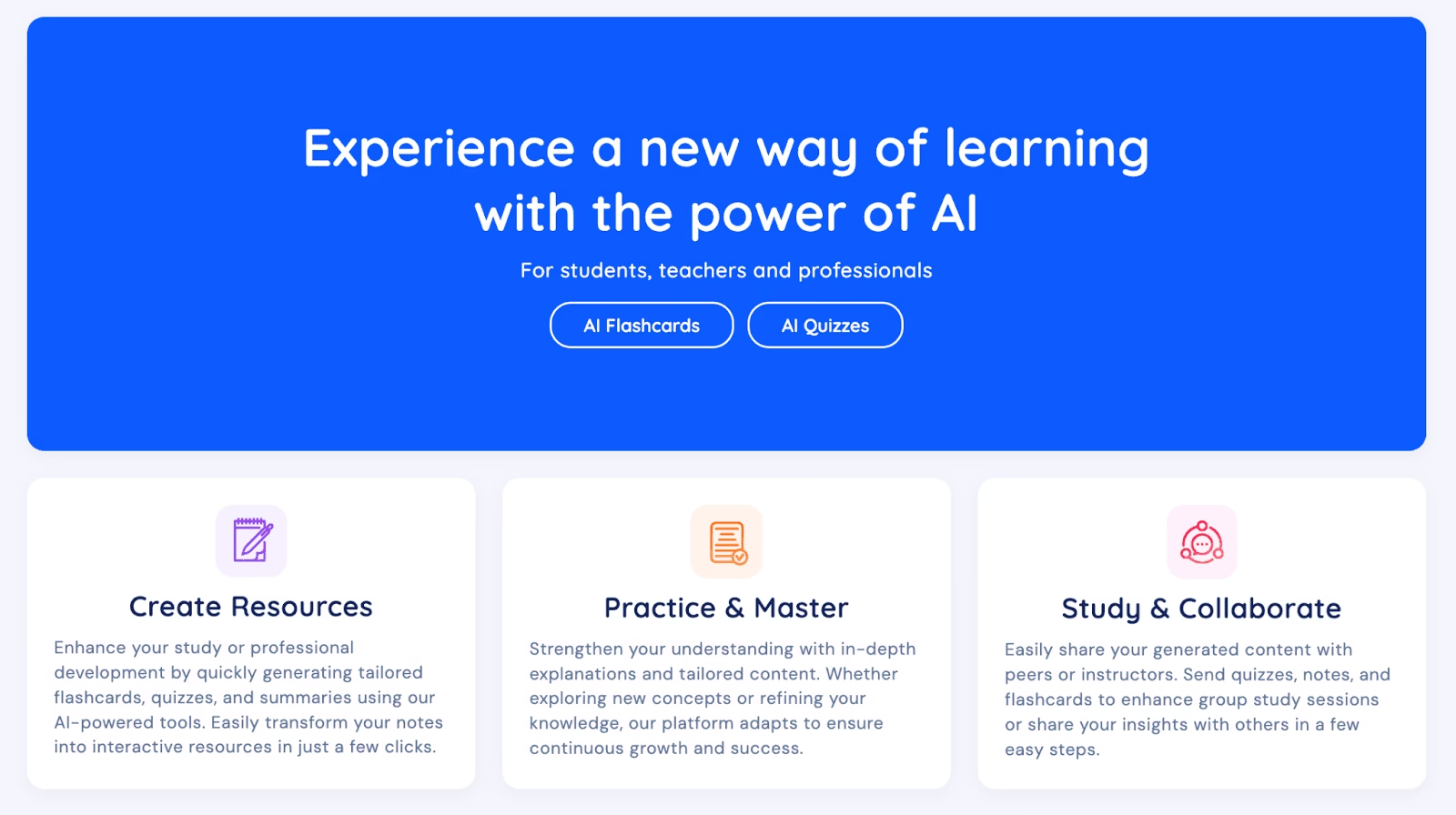
One standout feature of Revisely is its ability to create flashcards directly from handwritten notes. This is especially helpful for students who prefer writing notes during lectures instead of typing everything digitally.
Similar to other AI flashcard tools, Revisely allows users to review generated flashcards before finalizing them. You can remove unclear, repetitive, or low-quality cards, although the customization options remain fairly simple compared to more advanced platforms.
After practicing your flashcards, you can switch to Exam Mode, where the AI tests your understanding by asking questions based on your study material. The system also provides personalized feedback, highlighting correct responses while pointing out missing details that could strengthen your answers. This helps students identify weak areas and improve retention over time.
Another useful feature is compatibility with Anki. Users can export their flashcards directly to Anki for more advanced spaced-repetition learning.
Revisely also stands out for its printing capabilities. Students can:
- Print cards on single-sided pages and assemble them manually
- Use double-sided printing for automatically aligned front-and-back flashcards
This makes Revisely a great option for learners who still prefer physical study materials alongside digital tools.
Key Features
- Generate flashcards from handwritten notes
- Export flashcards to Anki
- Print physical flashcards easily
- AI-powered exam mode with feedback
- Includes quiz and notes generation tools
Pros and Cons
| Pros | Cons |
|---|---|
| Excellent for students using handwritten notes | Free plan is very limited |
| Exam mode improves active recall and retention | Flashcard customization options are basic |
| Affordable premium pricing | Fewer advanced AI features compared to competitors |
Pricing
- Free Plan: Includes unlimited manually created flashcards
- Premium Plan: AI-powered flashcards available starting at $6.99/month
Why Revisely Stands Out
Revisely is ideal for students who want a simple flashcard platform with strong printable support and handwritten note conversion. While it may lack some advanced AI customization features, its ease of use and practical study tools make it a solid option for everyday learning.
2) Knowt: Best Free AI Flashcard Tool for Students
Knowt has quickly become one of the most popular alternatives to Quizlet, especially for students looking for powerful AI study tools without paying high subscription fees. In fact, the platform positions itself as one of the top free Quizlet alternatives available today.
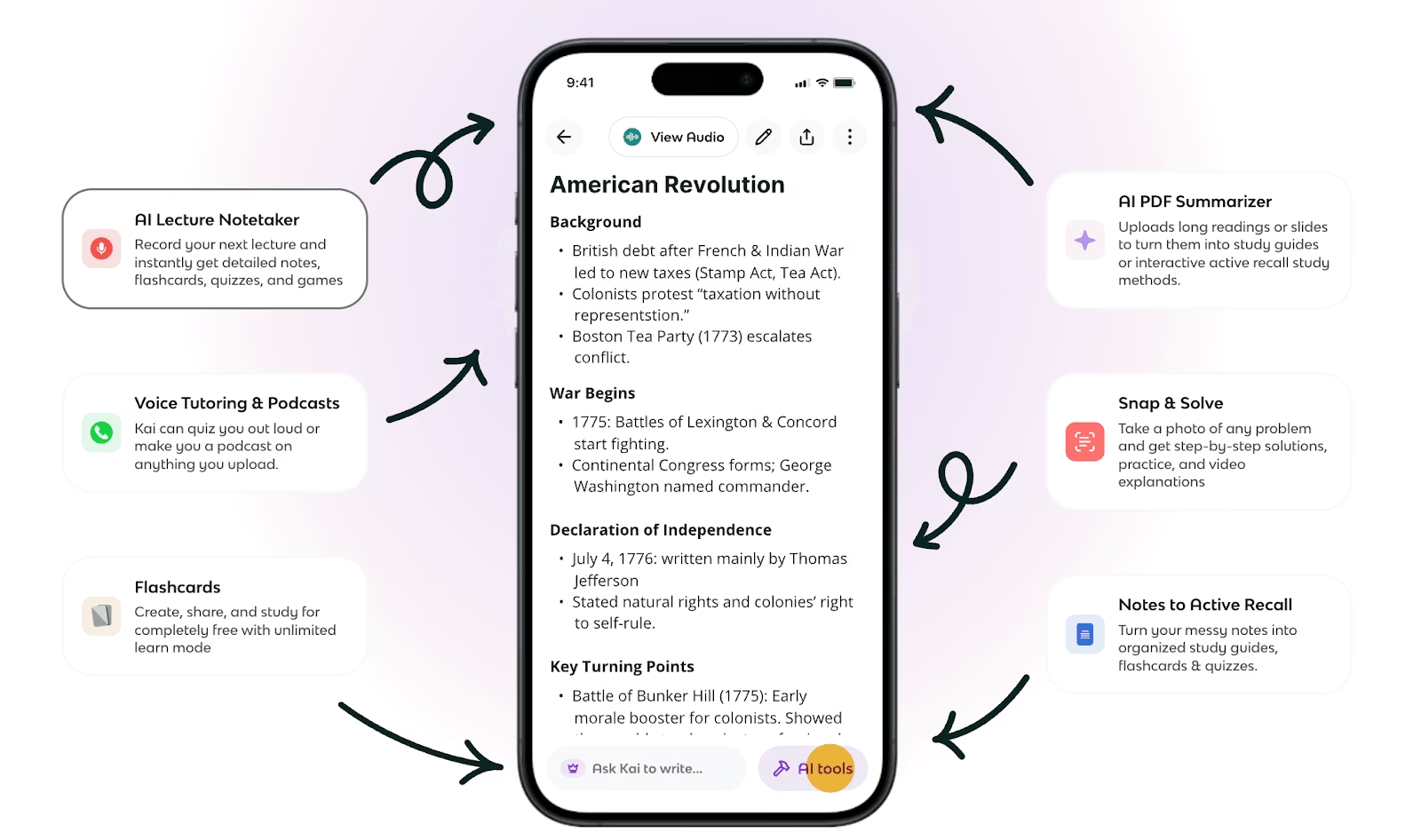
What makes Knowt stand out is the amount of functionality it offers for free. Both students and teachers can access a generous free plan packed with useful learning features.
The platform is heavily focused on flashcard-based learning, but it also integrates several AI-powered tools to simplify the study process. Creating flashcards is extremely easy. Students can either record lectures using Knowt’s built-in AI lecture recorder or upload notes, PDFs, slides, and text documents to instantly generate study cards.
The AI usually creates simple question-and-answer flashcards, which work well for quick memorization and exam preparation. While the cards may not always be highly advanced, they are effective for everyday studying.
One of Knowt’s most useful features is its Quizlet import support. If you already have study decks on Quizlet, you can transfer them directly into Knowt using a browser extension, saving time and effort.
The platform also includes an AI assistant called Kai, which helps students generate customized flashcards through chat-based prompts. You can ask Kai to create a certain number of cards, focus on specific subjects, or follow a preferred study format.
Key Features
- Generate flashcards from lecture recordings using AI
- Upload PDFs, Word documents, PowerPoints, images, and YouTube videos
- AI chatbot support for customized flashcard generation
- Built-in spaced repetition system for better memory retention
- Quizlet deck import support
- AP study guides, flashcards, and practice tests created by real students
- Teacher tools for monitoring student learning progress
Pros and Cons
| Pros | Cons |
|---|---|
| Excellent free plan with strong AI features | Free version includes ads |
| Simple and beginner-friendly interface | AI-generated cards can sometimes feel too basic |
| AI lecture recording support | Limited advanced flashcard customization |
| Quizlet import feature saves time | |
| Useful tools for both students and teachers |
Pricing
- Free Forever Plan available
- Ultra Plan: $19.99/month
3) Quizlet: Best for Its Huge Collection of Flashcard Sets
Quizlet is one of the most recognized flashcard platforms and has been helping students study smarter since 2005. Over the years, it has built an enormous learning community, making it one of the most widely used digital flashcard tools available today.
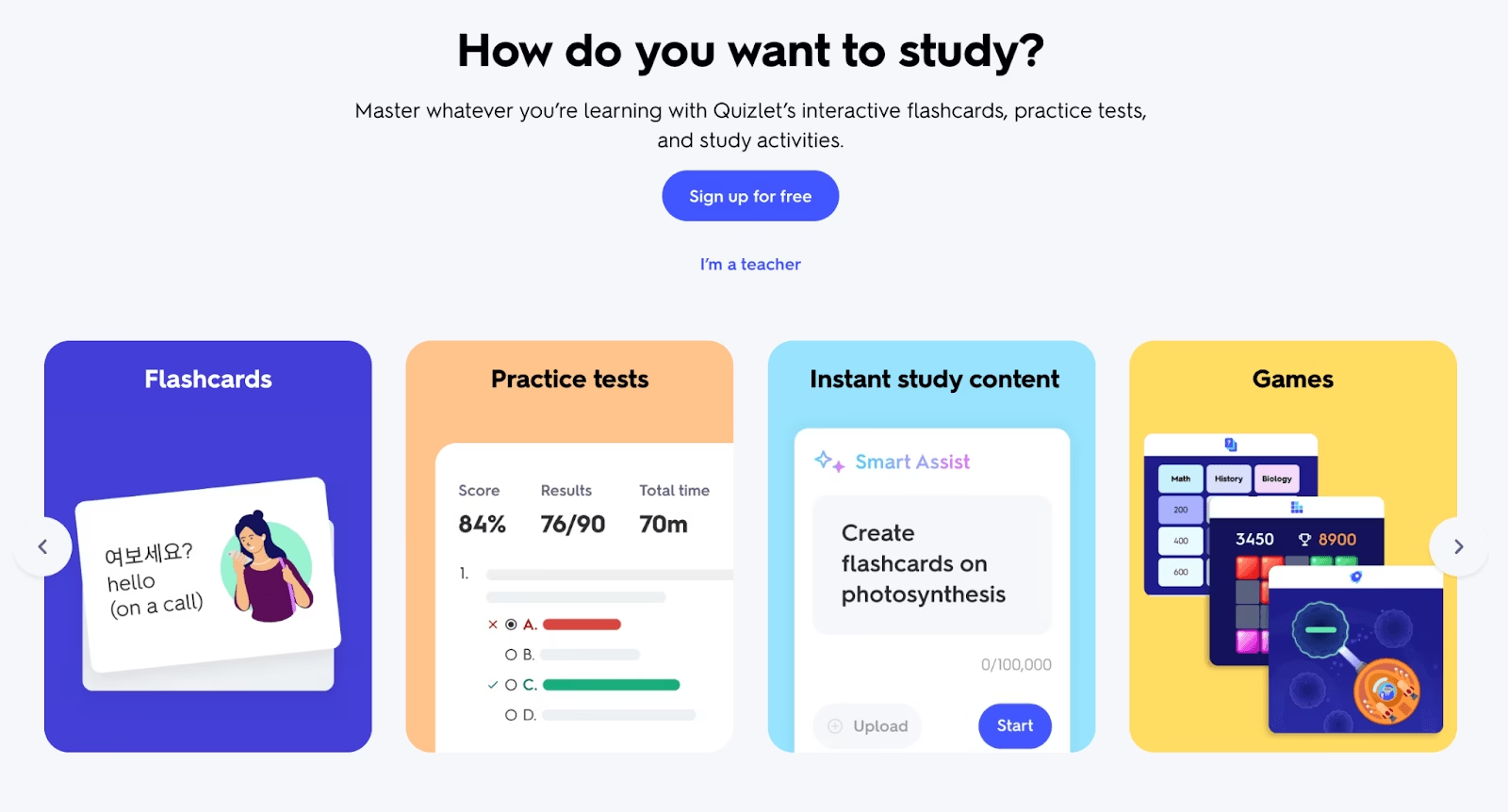
One of Quizlet’s biggest advantages is its massive library of user-created flashcard sets. According to the platform, learners have created more than 900 million flashcard collections covering almost every subject imaginable. This means students can often find ready-made study material instantly instead of spending time creating cards from scratch.
For users who prefer building their own study sets, Quizlet offers several flexible options. You can manually add terms and definitions in the traditional flashcard format, or use its newer AI-powered flashcard creator.
The AI tool makes the process much faster. Users can:
- Paste text directly into the platform
- Upload documents or PDFs
- Scan handwritten notes using a photo
- Generate flashcards simply by entering a topic
Once the AI creates the flashcards, users can edit, reorganize, and customize them based on their learning preferences.
Key Features
- Huge community-created flashcard library
- Multiple study and learning modes
- Offline access through the mobile app
- Classroom tools designed for teachers and students
- Support for image-based flashcards
- AI-powered flashcard generation
Pros & Cons
| Pros | Cons |
|---|---|
| Massive collection of ready-made flashcard sets | Some user-created sets may contain inaccurate information |
| Beginner-friendly and easy-to-use interface | Spaced repetition system is less advanced compared to competitors |
| Smooth mobile experience with clean navigation | Free version includes advertisements |
| AI tools simplify flashcard creation | Certain premium features require a paid plan |
Pricing
- Free plan available with generous access
- Quizlet Plus: $7.99/month
- Quizlet Plus Unlimited: $9.99/month
4) AnkiDecks: Best Tool for Creating Anki Flashcards Quickly
AnkiDecks is an excellent choice for students and professionals who already use Anki or want a faster way to create high-quality flashcards for it.
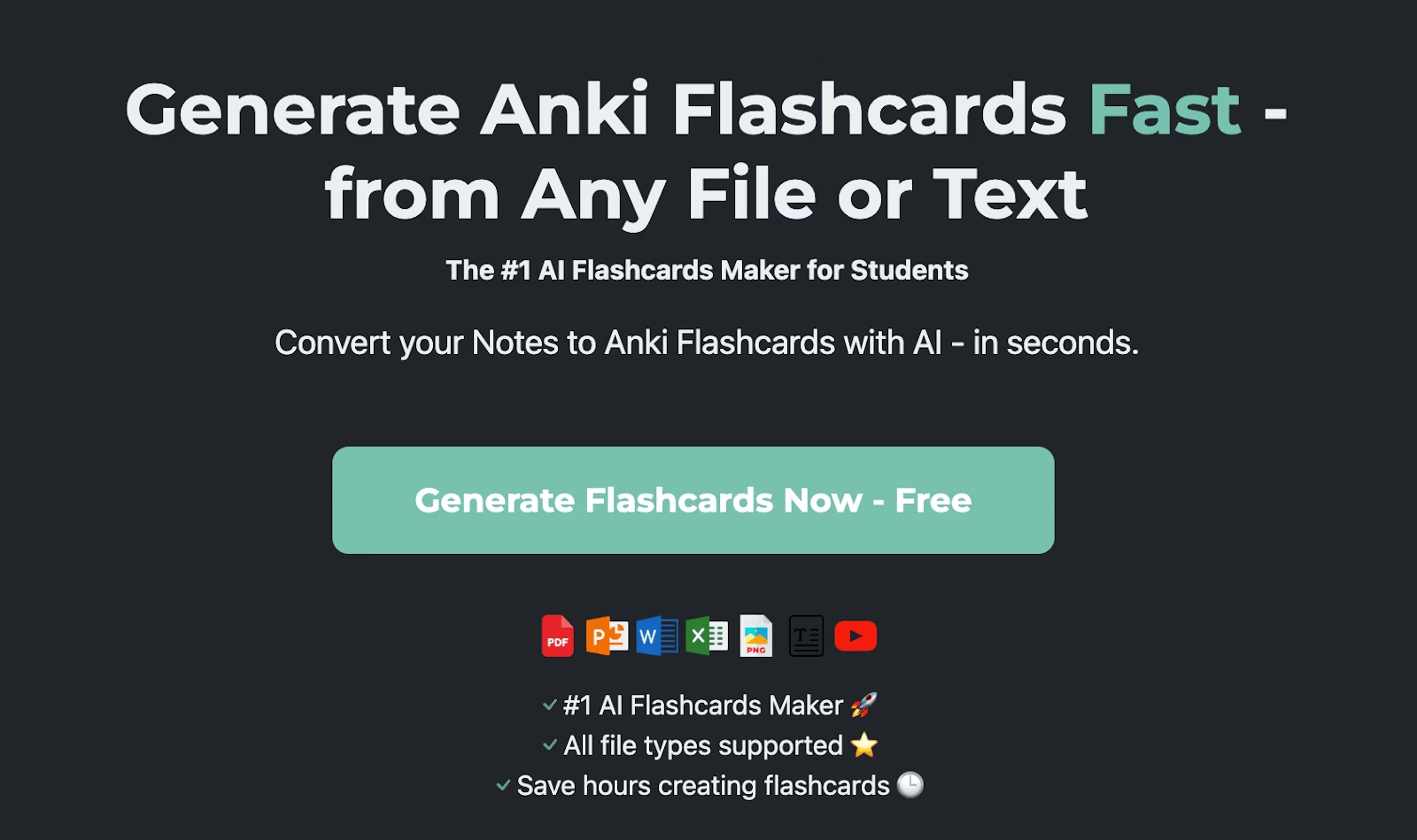
For beginners, Anki is one of the most popular open-source flashcard platforms available today. It is widely known for its advanced spaced repetition system, which helps users remember information more effectively over time. However, one major drawback of Anki is that creating flashcards manually can take a significant amount of time.
That’s where AnkiDecks becomes valuable.
AnkiDecks uses AI to automatically generate flashcards from a wide range of content formats, helping users save hours of manual work. The platform supports multiple file types, including:
- PDF files
- PowerPoint presentations
- Word documents
- Excel sheets
- EPUB files
- YouTube videos
- Images
- Audio files
- Video files
Using these materials, the AI can instantly create different styles of flashcards such as:
- Question and Answer cards
- Cloze (fill-in-the-blank) cards
- Multiple-choice flashcards
- Image occlusion flashcards
One of the platform’s most impressive features is its automated image occlusion capability. On many flashcard platforms, users must manually hide sections of an image to create visual learning cards. AnkiDecks simplifies this process by automatically identifying important parts of an image and generating occlusion cards without requiring manual editing.
Users can either study directly inside AnkiDecks or export their decks to Anki while preserving formatting and card structure. The platform also includes its own built-in study mode powered by the FSRS (Free Spaced Repetition Scheduler) algorithm, a newer and more advanced alternative to the traditional SM-2 system used in Anki.
Although AnkiDecks includes its own learning environment, many users still prefer exporting their decks into Anki for long-term studying.
Key Features
- Supports a wide variety of file formats
- Generates flashcards in more than 50 languages
- Maintains formatting when exporting to Anki
- Includes built-in spaced repetition study mode
- AI-powered automatic image occlusion
Pros and Cons
| Pros | Cons |
|---|---|
| Automatic image occlusion | Usage limits even on paid plans |
| Strong multilingual support | Interface feels less polished |
| Supports many file types | Learning curve for new users |
| Fast flashcard generation |
Pricing
- Free Plan: 4 deck generations per month
- Pro Plan: $7.99/month
- Ultimate Plan: $20/month
AnkiDecks is ideal for learners who love Anki’s powerful spaced repetition system but want a much faster and more automated way to build flashcards.
5) Brainscape: Best for Smarter Repetition Learning
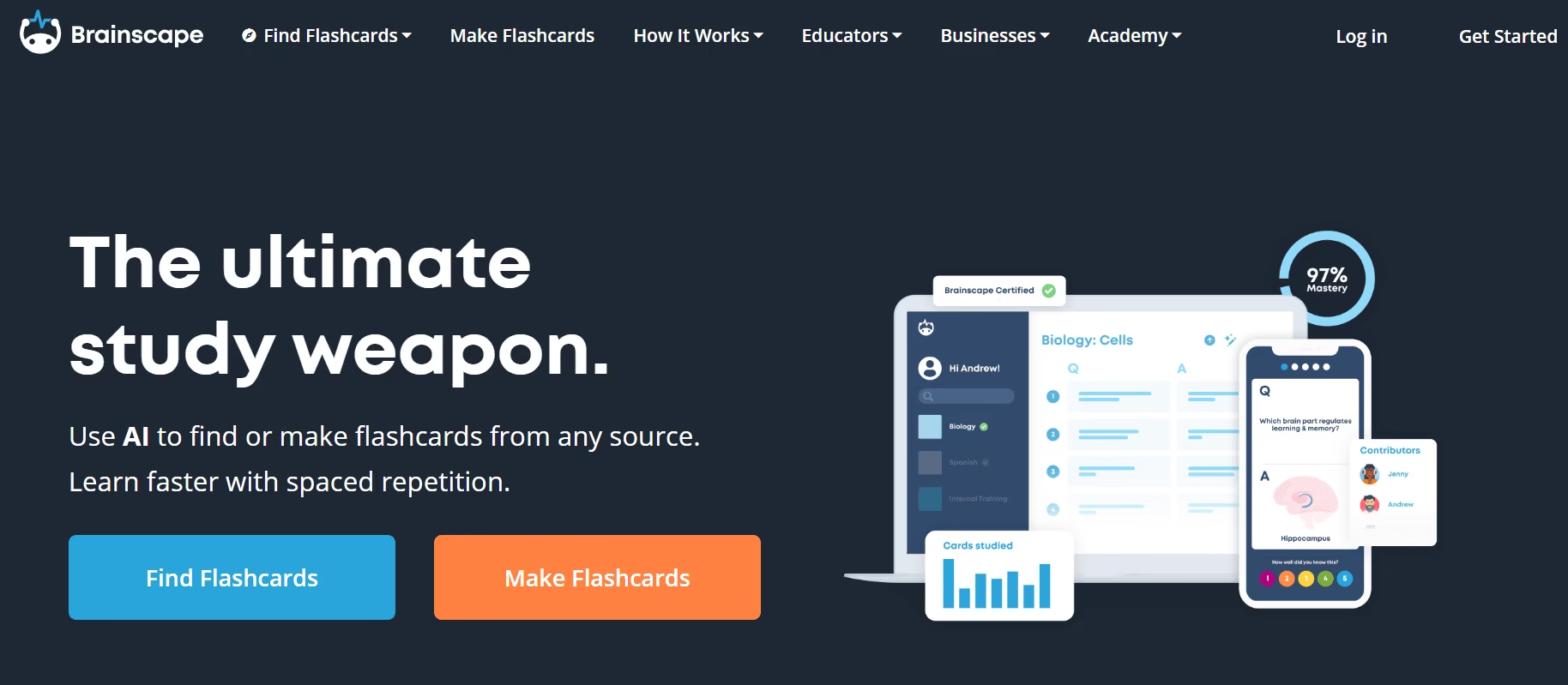
Brainscape is a powerful flashcard platform built around one core idea: helping students remember information faster through spaced repetition. Instead of simply reviewing random cards, Brainscape uses a smart confidence-based learning system that focuses more on the topics you struggle with and less on the ones you already know.
The platform is popular among students preparing for competitive exams, language learning, medical studies, and professional certifications because it helps improve long-term memory retention efficiently.
One of Brainscape’s biggest strengths is its huge library of ready-made flashcards. Users can access thousands of study decks created by experts, teachers, and other learners, saving hours of manual preparation.
Creating your own flashcards is also simple. You can add:
- Text-based questions and answers
- Images for visual learning
- Audio content for pronunciation and listening practice
As you study, Brainscape asks you to rate your confidence level after each answer. The AI-like repetition algorithm then adjusts how often cards appear, ensuring weaker concepts are reviewed more frequently.
Unlike overly complicated study apps, Brainscape keeps the interface clean and distraction-free, making it easier to stay focused during long study sessions.
Key Features
- Smart spaced repetition system
- Confidence-based learning method
- Large library of pre-made flashcards
- Create custom flashcards with images and audio
- Available on web and mobile devices
- Offline studying support
Pros and Cons
| Pros | Cons |
|---|---|
| Excellent memory retention system | Advanced features require paid plan |
| Huge collection of ready-made flashcards | Limited AI automation compared to newer tools |
| Clean and easy-to-use interface | Some decks vary in quality |
| Great for exam preparation |
Pricing
- Free Plan: Access to basic flashcard features and public decks
- Brainscape Pro: Starts around $7.99/month with unlimited access and advanced study features
Why Brainscape Stands Out
Brainscape is ideal for students who want a structured and science-backed way to study. Its spaced repetition approach helps learners retain information longer while reducing unnecessary revision time. For anyone preparing for exams or learning large amounts of information, Brainscape offers a simple but highly effective study experience.
Top 5 AI Flashcard Makers in 2026
AI flashcard makers are helping students study faster, improve memory retention, and reduce the time spent creating notes manually. These smart learning tools use AI to generate flashcards, organize topics, and personalize revision sessions for better results.
Here are the top AI flashcard makers in 2026 based on features, usability, pricing, and student popularity.
| Tool | Best For | Free Plan | Monthly Pricing | Google Play Rating |
|---|---|---|---|---|
| Revisely | AI-powered flashcards and printable study materials | Yes (basic features) | AI Plan: $6.99/month | 5/5 |
| Knowt | Students looking for free AI study tools | Yes (with ads) | Ultra: $19.99/month | 4/5 |
| Quizlet | Large library of ready-made flashcard sets | Yes | Plus: $7.99/month, Plus Unlimited: $9.99/month | 4.1/5 |
| AnkiDecks | Fast Anki flashcard generation and spaced repetition | Yes (up to 4 decks/month) | Pro: $7.99/month, Ultimate: $20/month | 4.7/5 |
| Brainscape | Smart repetition-based learning and exam preparation | Yes | Pro: Starting at $7.99/month | 4.6/5 |
Each platform offers different strengths. Some focus heavily on AI automation, while others specialize in spaced repetition, collaboration, or ready-made learning resources. Choosing the right flashcard maker depends on your study goals, learning style, and preferred workflow.
How to Choose the Right AI Flashcard Generator for Your Study Needs
Choosing the best AI flashcard generator depends entirely on your learning style, study goals, and the type of content you work with. There isn’t a one-size-fits-all solution, so it’s important to compare tools based on the features that matter most to you.
1. Check Subject Compatibility
Different subjects require different learning methods. If you study visually intensive topics like anatomy, biology, chemistry, or geography, choose a flashcard tool that supports image occlusion and visual learning features. These tools help you memorize diagrams, maps, body parts, and complex illustrations more effectively.
2. Decide Between All-in-One or Standalone Tools
Some AI flashcard platforms combine note-taking, summarization, and flashcard generation in a single workspace. Others focus only on creating flashcards quickly and efficiently.
- Choose an all-in-one platform if you want to manage your entire study process in one place.
- Choose a standalone flashcard generator if your priority is speed and simplicity.
3. Consider the Level of Customization
AI flashcard tools vary in how much control they give users. Some platforms allow custom prompts and detailed instructions, letting you fine-tune the generated flashcards for higher accuracy. Others automate the entire process for faster results with minimal setup.
In simple terms, you’re choosing between:
- More automation and speed
- More precision and customization
4. Look at Advanced Learning Features
Basic flashcard tools may only help you create cards, while advanced platforms offer a complete learning ecosystem with:
- Spaced repetition
- Progress tracking
- Study analytics
- Performance insights
These features can significantly improve long-term memory retention and study efficiency. If you want deeper learning support rather than just flashcard generation, prioritize tools with advanced study systems built in.
Final Thought
The best AI flashcard generator is the one that matches your study habits and helps you learn faster without creating extra complexity. Before choosing a platform, think about how you study, what subjects you focus on, and whether you value simplicity, customization, or advanced learning features the most.